











Automatic
Cleans and boosts your PC with automatic scans and fixes, as well as providing real-time threat protection.
AntiVirus and PC cleanup solution
 Smart ActiveCare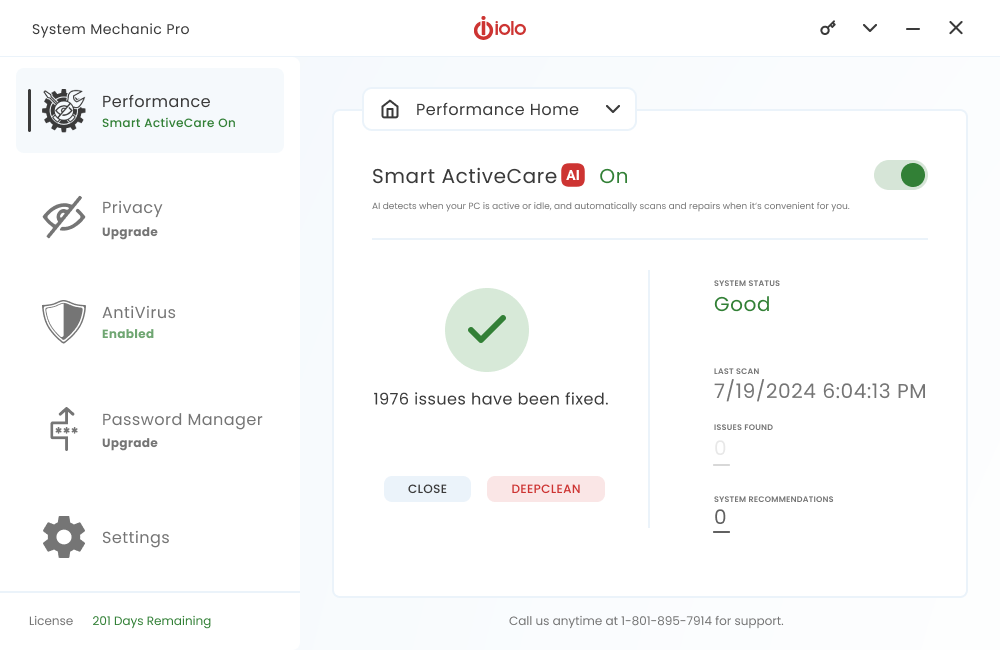
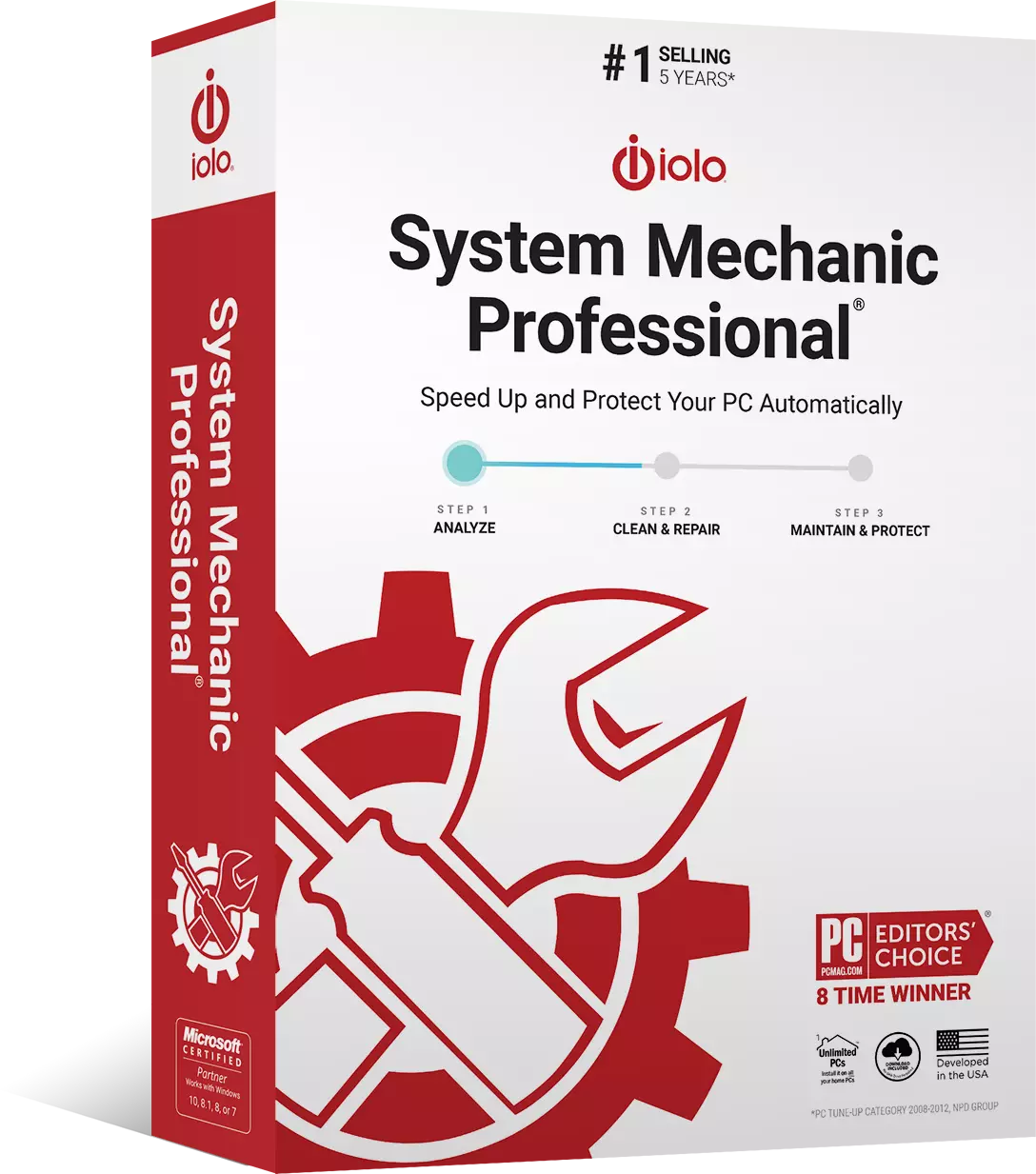
Protect and tune your computer — automatically. Combining award-winning iolo PC cleaner, antivirus, and data security products, System Mechanic Pro® is everything you need to keep your PC safe, fast, and error-free.
LiveBoost automatically increases the speed and availability of CPU, RAM, and hard drive resources for the smoothest gaming, editing, and streaming experience.
Smart ActiveCare uses AI to detect and repair issues when your PC is idle, so you’re not interrupted.
Stops viruses, malware and trojans from infecting your PC with real-time threat monitoring.
Safely wipes sensitive browsing history and patches Windows security vulnerabilities that can harm your computer.
NetBooster optimizes hidden Windows internet settings for faster downloads, snappier page loads, and less buffering.
Thoroughly erase private data from a drive or recover critical work and memories you may have accidentally deleted.

Automatic scans, fixes, and threat detection keep your PC running smoothly and provide you peace of mind. System Mechanic Pro quarantines suspicious files and prevents them from spreading across your device.
Cleans and boosts your PC with automatic scans and fixes, as well as providing real-time threat protection.
Detects new threats with advanced artificial intelligence and permanently removes existing infections.
Enjoy increased speed and availability of CPU, RAM, and hard drive resources for the smoothest gaming, editing, and streaming experience.
Permanently erase private files, pictures, and documents, and restore files you thought were lost forever in one click.
Millions of people around the world have already made System Mechanic the place to fix their PC Problems. Read our Press Reviews.
“System Mechanic is a slick suite of tune-up tools that can dramatically improve your PC’s performance.”

“System Mechanic is a quick, simple way to clear unwanted files from your PC and give it a noticeable performance boost.”

“System Mechanic is a simple way to give your PC a basic clean-up, and its detailed scans and scheduling options are a cut above many rival programs.”
We have a version of System Mechanic for everyone. Checkout what version is right for you.
 System Mechanic® System Mechanic Pro®
 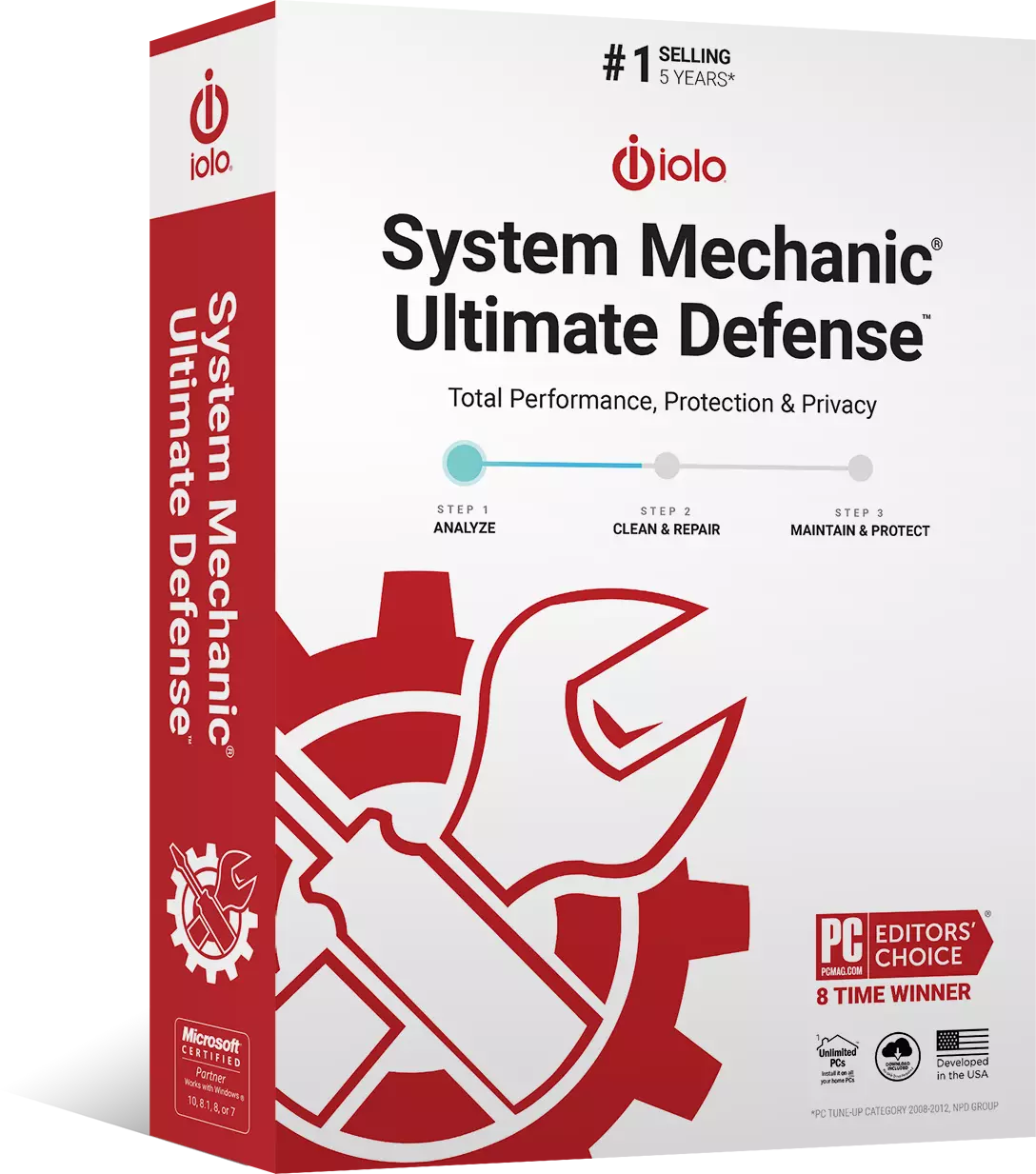 System Mechanic® Ultimate Defense™
 A computer virus is a type of PC software that can infect a computer system and when executed, replicates itself by changing other computer programs and inserting its own code into those programs. Computer viruses can spread from one computer to another through email attachments, infected software, or infected websites.
Protect your PC from computer viruses, malware, and other threats with System Mechanic Pro, part of our AntiVirus software suite.
Malware, also known as malicious software, refers to any kind of computer software developed with malicious intent. Malware infections often come from downloading infected software, clicking on a suspicious link, visiting a suspicious website, or from having outdated PC drivers. Malware typically performs actions such as stealing confidential information, passwords, or even money. Protect your PC from malware and other threats with System Mechanic Pro.
Yes! You can take advantage of System Mechanic Pro® risk-free for 30 days!
We recommend running System Mechanic once every 3 days. However, you can adjust the frequency to your liking within the settings panel.
Absolutely not. System Mechanic will only schedule tasks when your PC is idle.
Our easy-to-understand product help documentation explains how to access each of System Mechanic’s tools, what they do, and why you should use them. Need more help? Reach us 24/7 by live chat on iolo.com.
For use on All your home PCs
Free product support
30 day money-back guarantee
Windows® 11, 10, 8.1, 8, 7
Frequently Asked Questions
Source: NPD intellect
20+ years of PC performance innovation
Over 80 Million PCs repaired
iolo Labs intelligent Tune-up Definitions™
U.S. Pat. 7,873,877
Offer Details: Certain product features require ongoing updates from iolo. One year is included in the initial purchase. After this initial period expires, you must renew to continue to receive access to such features. You may enable automatic renewal during checkout and update your automatic renewal preferences by logging into your iolo Account. See Sales Policy for more details.