

Antivirus Software
As technology continues to evolve at a rapid pace, being aware of cyberthreats and the ability to safeguard your devices against them has become more important than ever. This is where iolo comes in.
Get It Now!(Available for Windows® 11, 10, 8.1, 8, and 7)
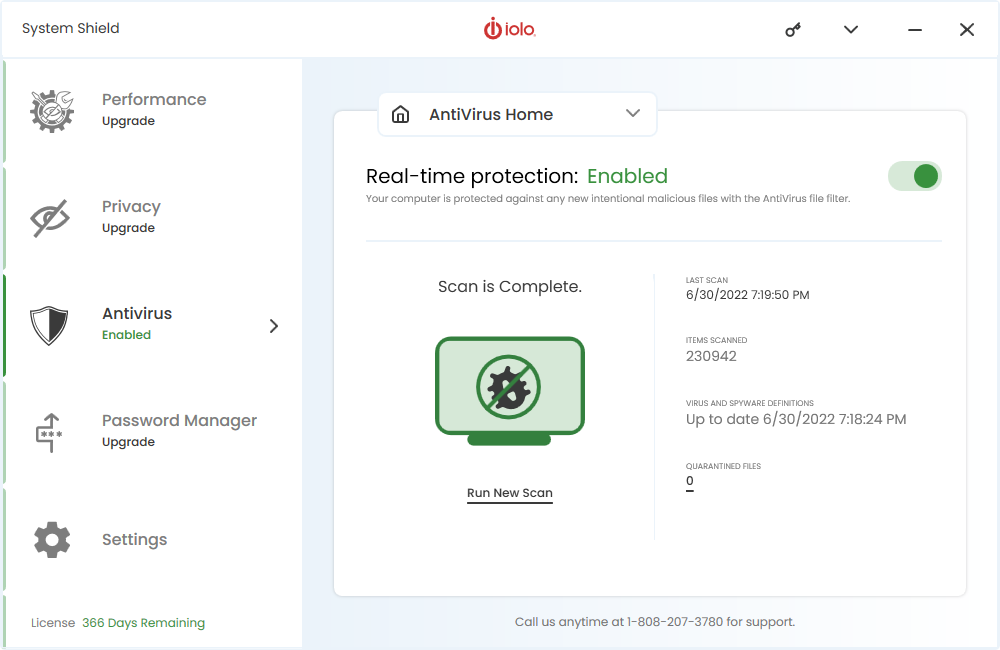
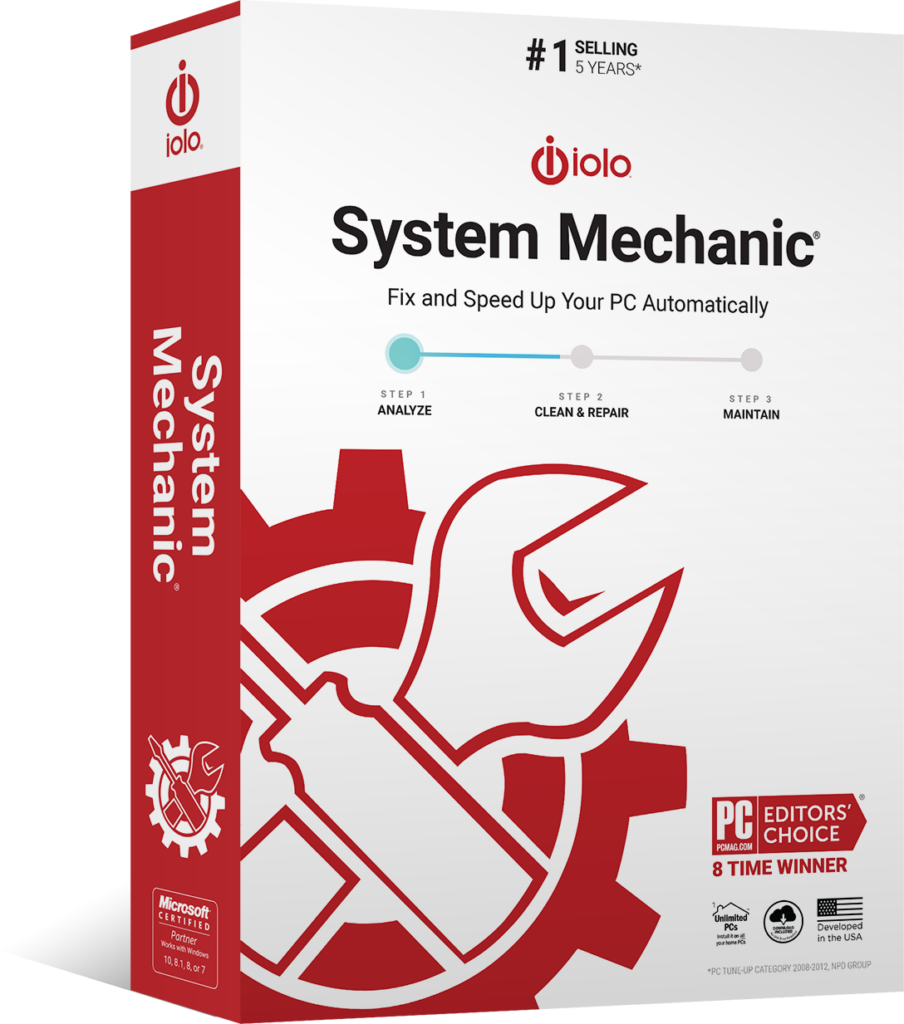
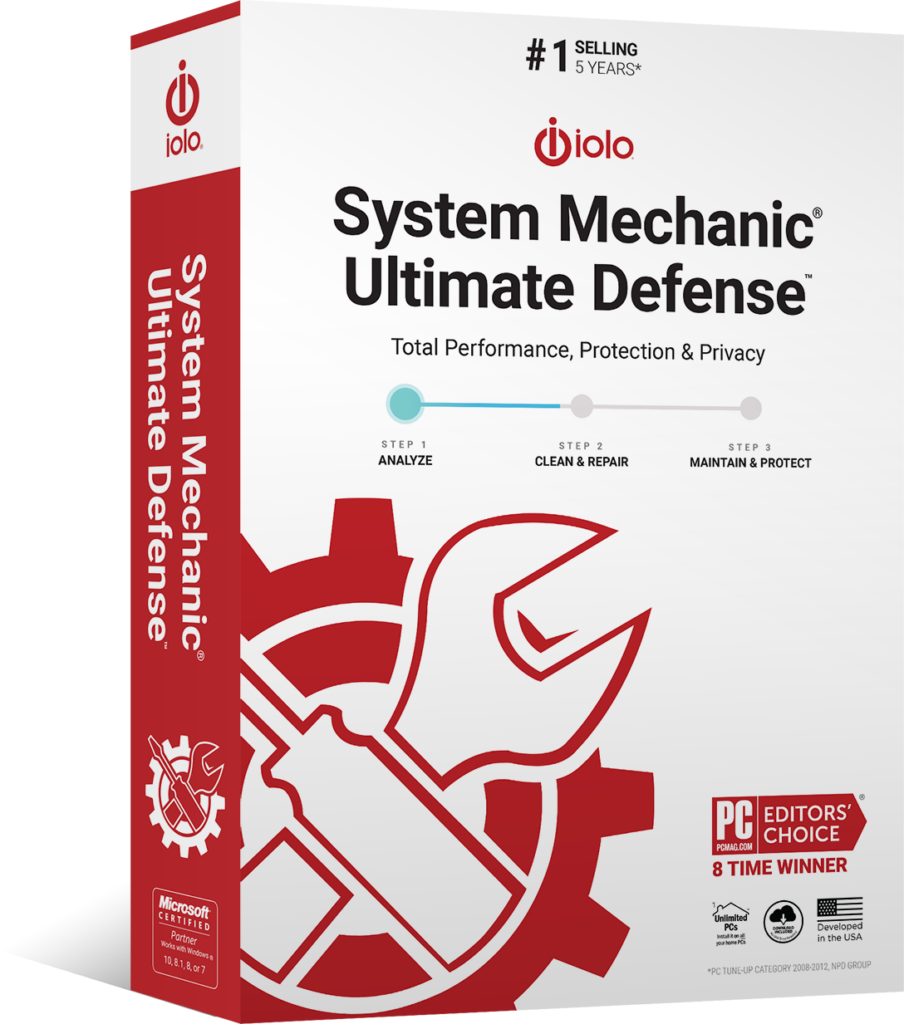
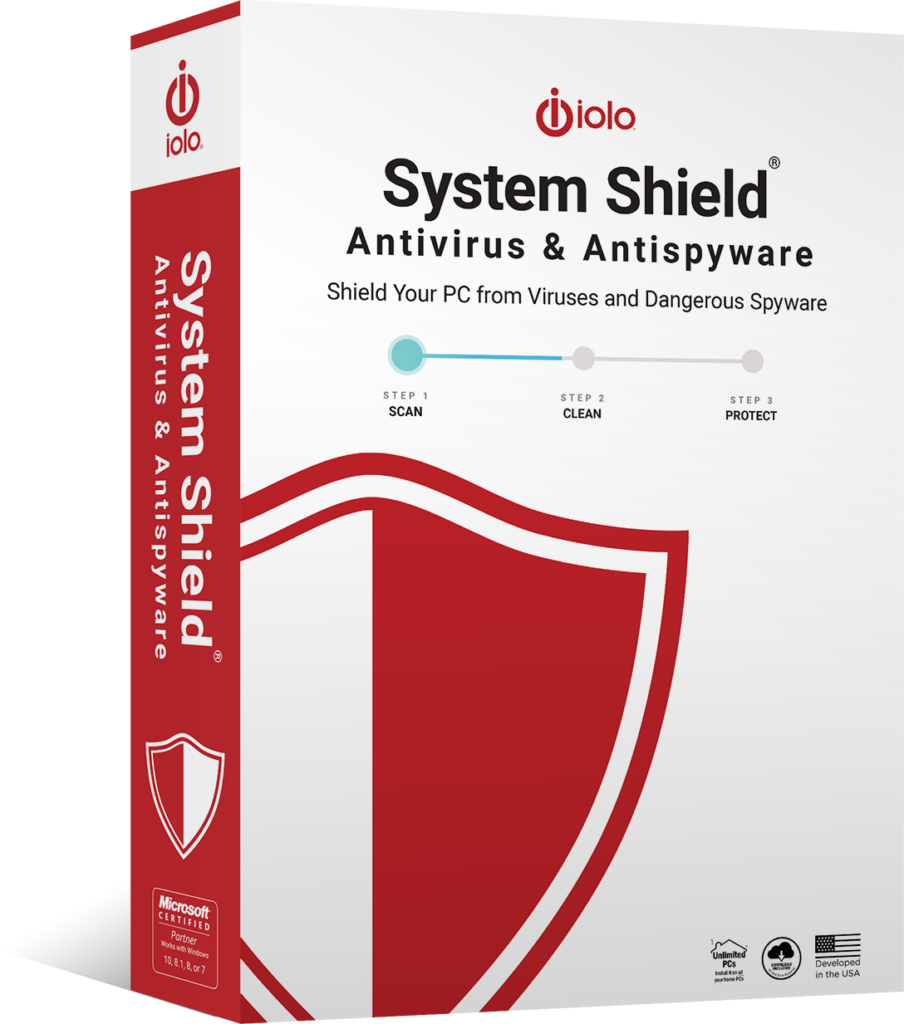
Protect your computer against infections and malicious attacks with iolo’s antivirus software, System Shield, which is included within System Mechanic Pro, and System Mechanic Ultimate Defense.
Read More
iolo’s full suite of antivirus solutions can effectively protect your data, scanning everything from web pages, files, applications, and software, for known threats and malicious code. With antivirus protection, anything suspicious is immediately flagged up and blocked. Malware is removed.
If you don’t have virus protection software installed on your computer, now is the time to.
Why Choose iolo’s AntiVirus Software?
iolo’s antivirus solutions consist of a comprehensive antispyware and antivirus software that includes a wide range of cybersecurity features to increase the security of your devices. With System Shield, and other packages that include System Shield’s antivirus capabilities, you are guaranteed certified virus protection without compromising device performance. Otherwise, iolo offers a 30-day money back guarantee if you are not satisfied with our product.
iolo’s antivirus solution can detect malware in an instant and permanently remove it in the next. Finally say goodbye to stubborn parasites that could be hindering performance and system stability.
You can receive peace of mind that your device is always protected with System Shield’s real-time virus protection.
Key Features of iolo’s Virus Protection Software
System Shield is a virus protection software that is designed to identify and eliminate viruses and infections without compromising the system. This is made possible through revolutionary technology and features such as:
-

HyperScan technology
stops and neutralizes external attacks, providing real-time scanning of entire system.
-

AntiSpyware
eliminates spyware, adware, and other parasites that compromise user privacy and system performance.
-

AntiVirus
blocks dangerous threats and cybersecurity risks with 100% malware detection.
Additional Features
-

Sentient technology
utilizes AI to recognize suspicious and malicious behavior, preventing the same attacks from happening in the future.
-

Near-zero resource usage
no need to worry about additional features, background activities or unnecessary add-ons.
-

Speedy processes
unlike other programs that slow your computer down, System Shield can run swiftly in the background without hindering your computer speed.
-

Available for multiple PCs
if you own more than one PC or laptop, System Shield can still be installed on these devices.
While System Shield is an antivirus program on its own, System Mechanic Pro and System Mechanic Ultimate Defense also offer a range of additional features that may be useful (along with antivirus capabilities).
System Mechanic Pro
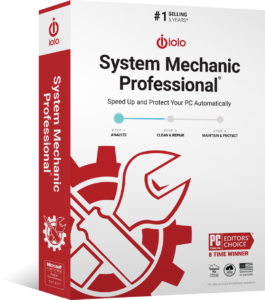
- Automated repairs and disk cleaning.
- System speed boosting (ideal for gaming, streaming, editing).
- Wipes sensitive browsing history safely and securely.
- Improves internet speed for faster downloading and page loading.
System Mechanic Ultimate Defense
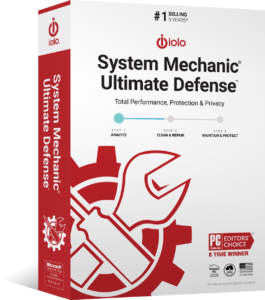
- Everything included in System Mechanic Pro
- Secure password management
- File recovery and file deletion
- Configurable privacy settings
Please keep in mind that iolo’s antivirus protection programs and their features require ongoing updates. The initial price is for a one-year subscription to the antivirus software, and you will need to renew your subscription to continue receiving access to our features. Please read our Sales Policy for further information.
How iolo Protects Your Devices and Network
iolo’s System Shield, System Mechanic Pro, and System Mechanic Ultimate Defense effectively protects your devices and network against different types of malware and cyberthreats. Our antivirus software guards your PC from viruses in the following ways:
-
Real-time antivirus shield that secures your system, providing always-on cover against malware
-

Instant detection of new threats and identification of new virus variants
-

Permanent extermination of viruses and infections, effectively blocking future attacks of the same variant
To ensure that iolo’s virus protection program continues to protect your PC, it’s important that it’s updated every time a new patch or update is released.
Seamless User Experience & Windows Compatibility
Using iolo’s platforms is simpler than it seems – our antivirus solution offers an easy-to-use interface that can be used effortlessly. If you struggle with using the platform, the iolo customer service team is always available to assist you.
Please take note that only System Mechanic Pro and System Mechanic Ultimate Defense are the solutions with antivirus protection out of iolo’s System Mechanic suite. The standard System Mechanic program does not include antivirus features.
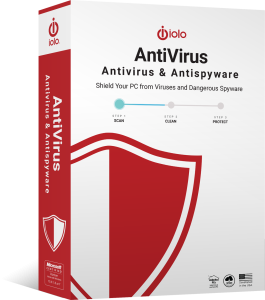
System Shield, System Mechanic Pro, and System Mechanic Ultimate Defense are available for multiple home PCs on the same network and for:
- Windows 11
- Windows 10
- Windows 8.1
- Windows 8
- Windows 7
Customer Testimonials
FAQs
What does ‘antivirus’ mean?
Antivirus typically refers to software that has been created to find, destroy, and prevent computer viruses. Antivirus software usually runs in the background while the computer is on.
How do I know if my device has a virus?
There are certain telltale signs that can indicate that your device is infected with a virus. Some signs to look out for are:
- Missing or changed files and folders.
- Slow device performance.
- Frequent and unexpected pop-up windows.
- Unrecognized programs.
- Issues with restarting and shutting down.
- Device crashes often.
If you suspect that your device has a virus, it’s crucial that you use antivirus software to run a scan on your system.
What if I have a Mac, not a Windows PC?
If you are looking for an antivirus program for your Mac, you will need to search for programs that are specifically designed for macOS. This is because Windows and macOS are separate operating systems.
Currently, iolo’s antivirus program is only available for Windows 11, 10, 8.1, 8, and 7.
What is the difference between antivirus and antispyware?
Antivirus software is used to scan systems for viruses, worms, and other types of malware, removing or isolating these threats. Meanwhile, antispyware specifically looks for traces of spyware and adware, mostly scanning for internet threats and eliminating them if found.
In essence, an antivirus program detects threats (including all types of malware) in files and folders, whereas antispyware programs detect and destroy threats related to online activity and personal information. Both have a similar goal of protecting your information.
Does antivirus software require maintenance?
Yes. It’s important to make sure that your antivirus software is regularly updated according to new updates released by the manufacturer. While some antivirus programs can update automatically, it’s still key to check that your antivirus software is up to date. This ensures that your virus protection level is at its highest.
Failing to update your antivirus software can result in features that don’t function properly, lowering your computer’s level of security.
What happens if a virus is detected by the antivirus program?
If a virus is detected on your computer, you will be notified, and the antivirus software will work to kill the virus before it can harm your system. Antivirus programs have been made to identify common malware, so there’s no cause for concern as long as your antivirus software is updated and from a reputable company like iolo.
This virus will be eliminated and prevented from attempting an attack on your system again.
Could I get a virus from a USB thumb drive?
Anything that is writable and connected to your computer can be infected with a virus – this includes USB thumb drives. A malicious file could be downloaded onto the USB thumb drive, and when inserted into your computer, this can spread to your system.
Antivirus software should be able to detect and block this from happening.
Do I need to uninstall my old antivirus program before installing a new one?
Yes. Two antivirus programs cannot co-exist within the same system. It’s important that you uninstall your old antivirus software before installing a new one to ensure maximum efficiency and security for your computer.
Can I use free antivirus software instead?
Free antivirus software exists; however, these can be risky to use, especially if you are downloading them from unknown websites. Please be careful of downloading programs onto your computer, as these ‘free antivirus software’ solutions could potentially be malware. To be safe, it’s recommended that you purchase legitimate antivirus protection solutions like iolo’s System Shield, System Mechanic Pro, or System Mechanic Ultimate Defense.
Safeguard Your Data with iolo’s High Quality Antivirus Software
iolo’s System Shield, System Mechanic Pro, and System Mechanic Ultimate Defense are exceptional antivirus programs that are certainly worth investing in. When you choose iolo, you are also given access to iolo’s excellent product support, so whenever you are faced with a problem or issue regarding our software, our support team is on hand to help provide the answers that you need.
Elevate your computer’s security with iolo’s virus protection solutions.
Interested in our antivirus protection, but have questions? Don’t hesitate to get in touch with the iolo team.