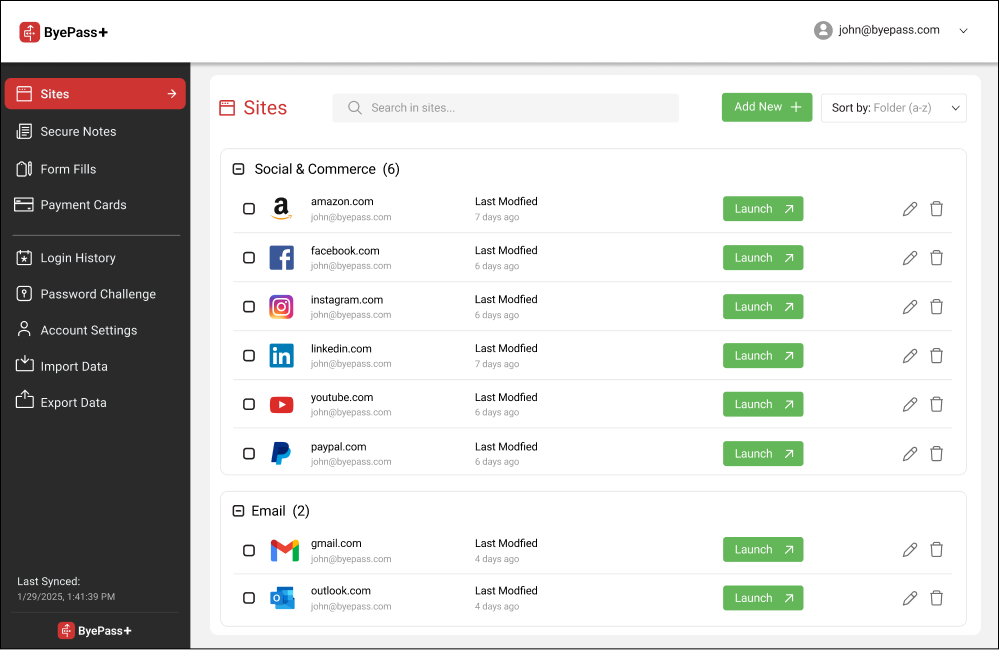
How to access ByePass+ extension after installation
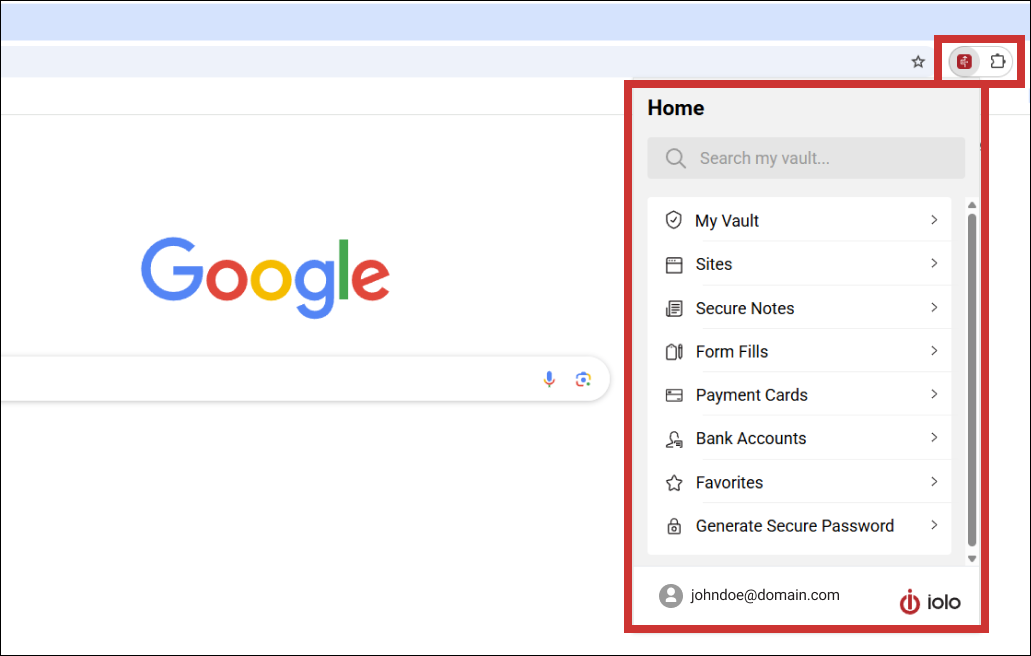
After installing the ByePass+ extension, you can launch the password manager in one of two ways:
- Open a browser window (either Google Chrome, Microsoft Edge, or Mozilla Firefox).
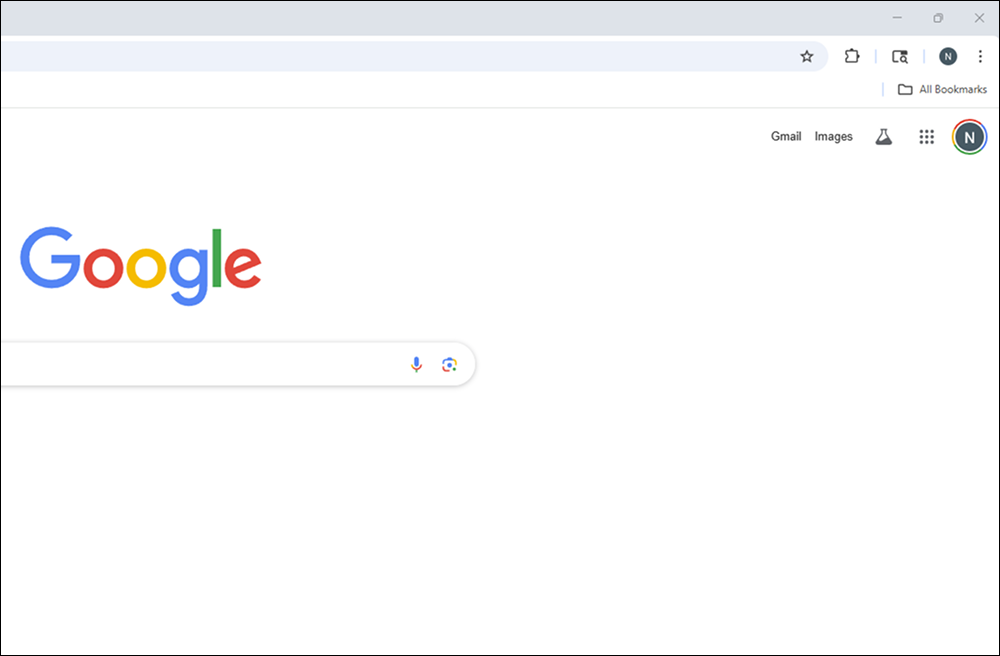
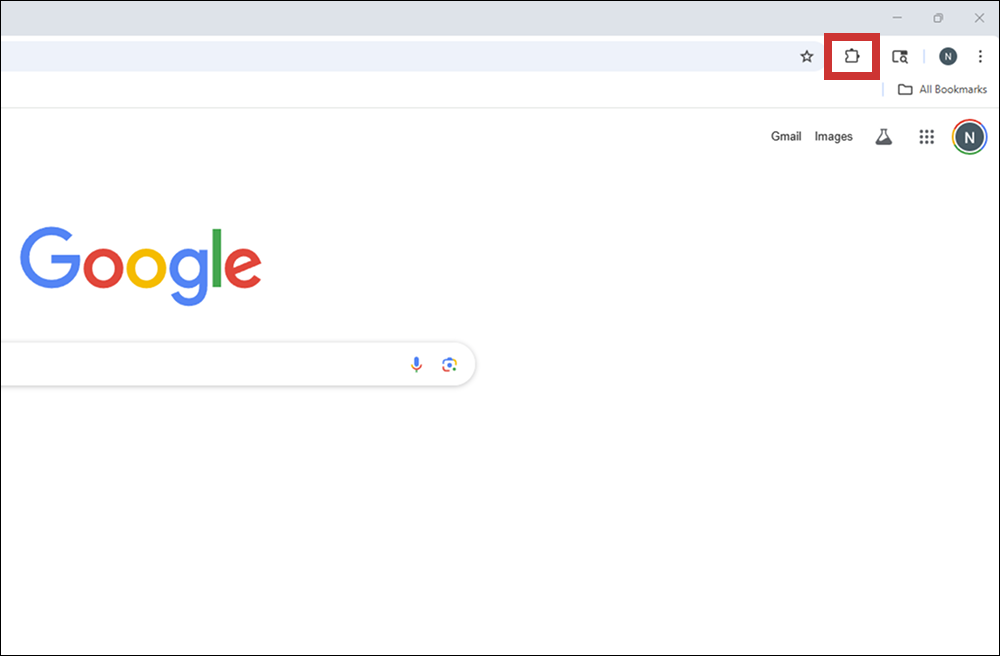
- Click Extension Menu icon. It looks like a puzzle piece in the upper right corner of your browser.
- Click ByePass+ extension.
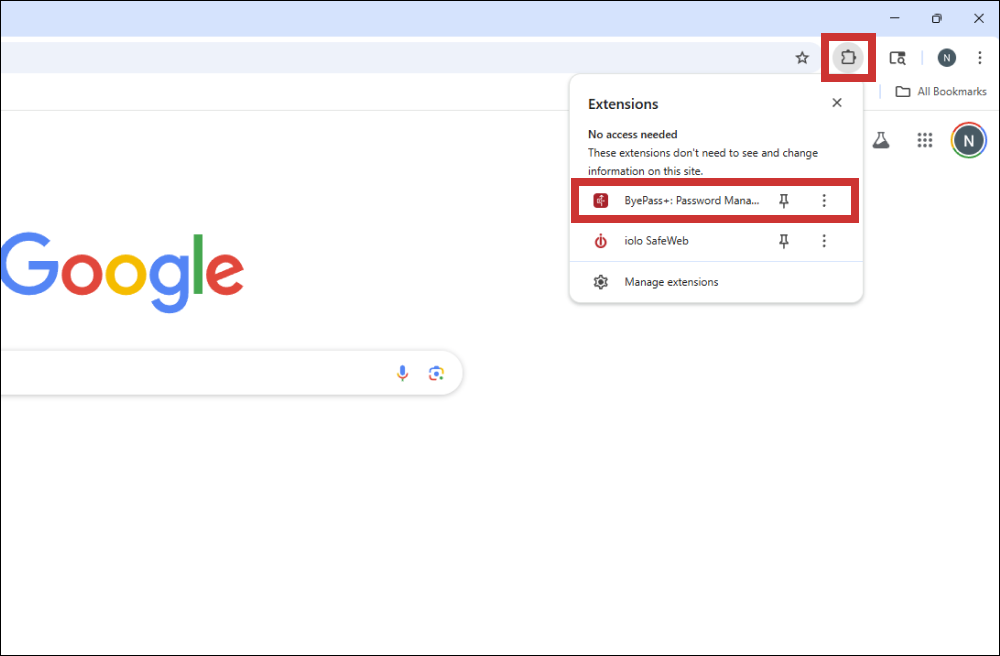
- If you have not set up an account or logged in, you will be prompted to.
Via System Mechanic Ultimate Defense (or ByePass+) software
- Open System Mechanic Ultimate Defense (or ByePass+ software)on your PC.
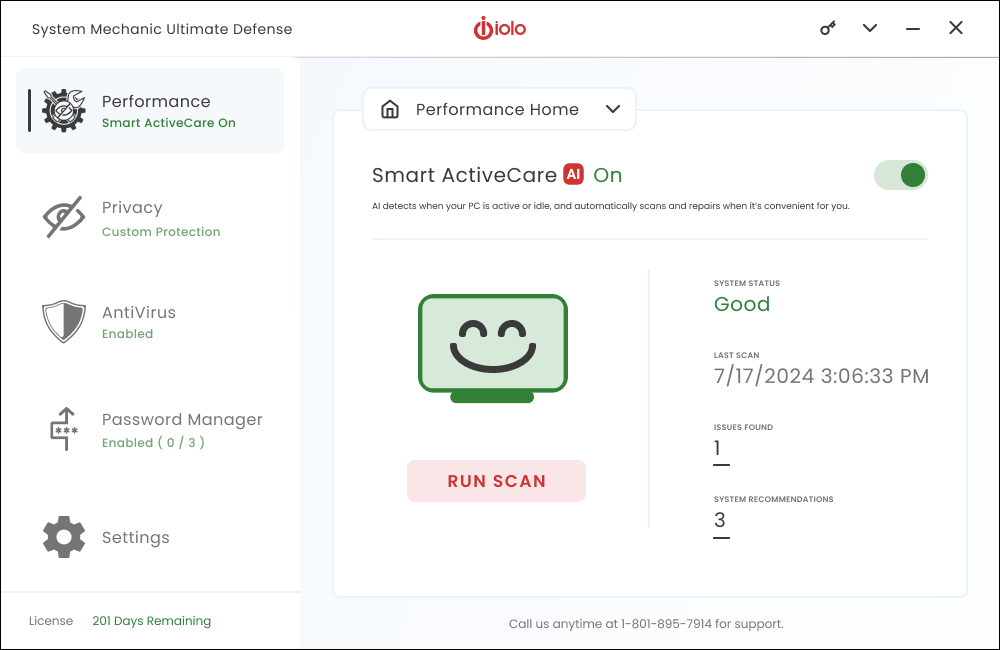
- Select Password Manager on the left navigation menu.
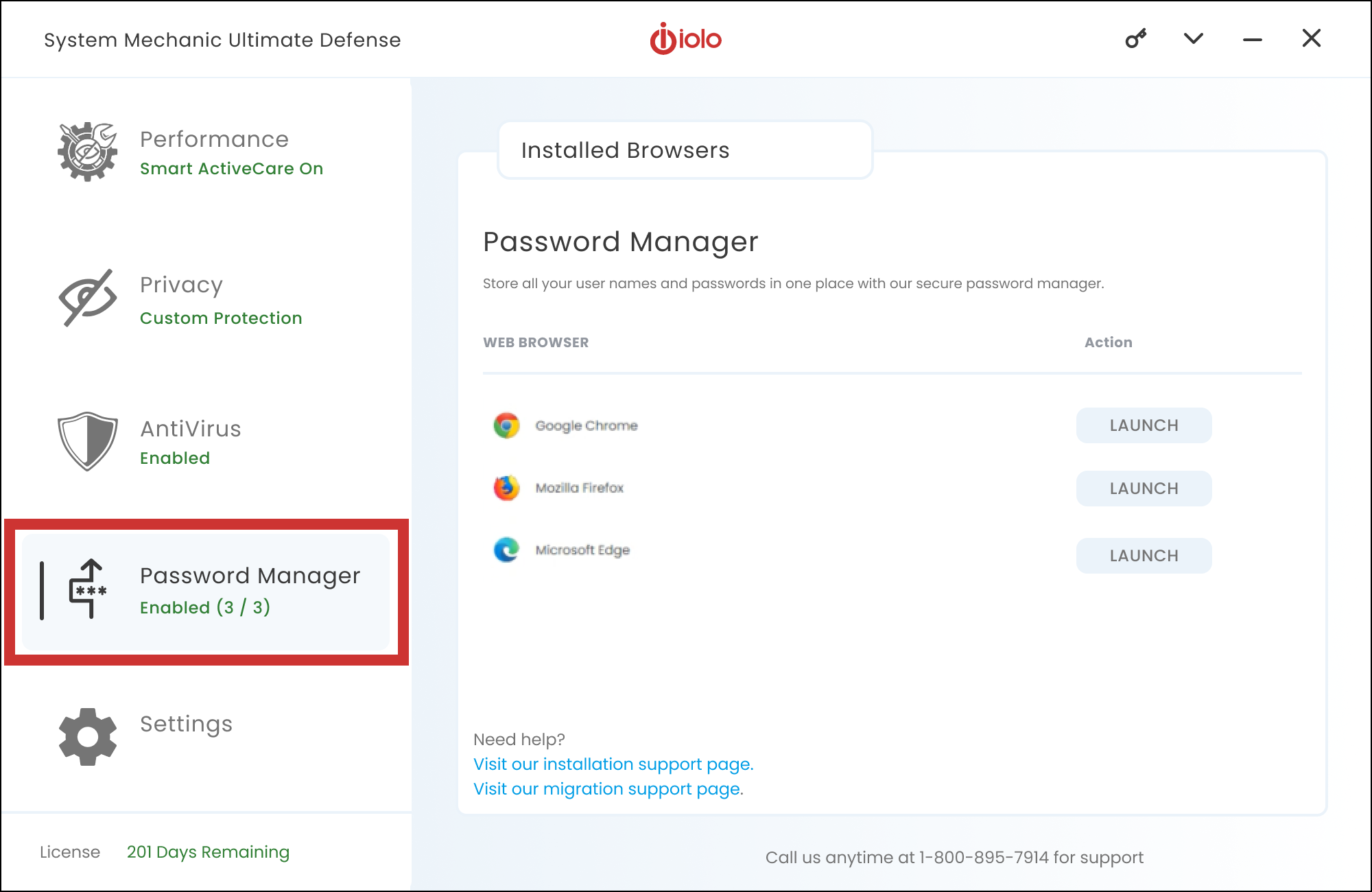
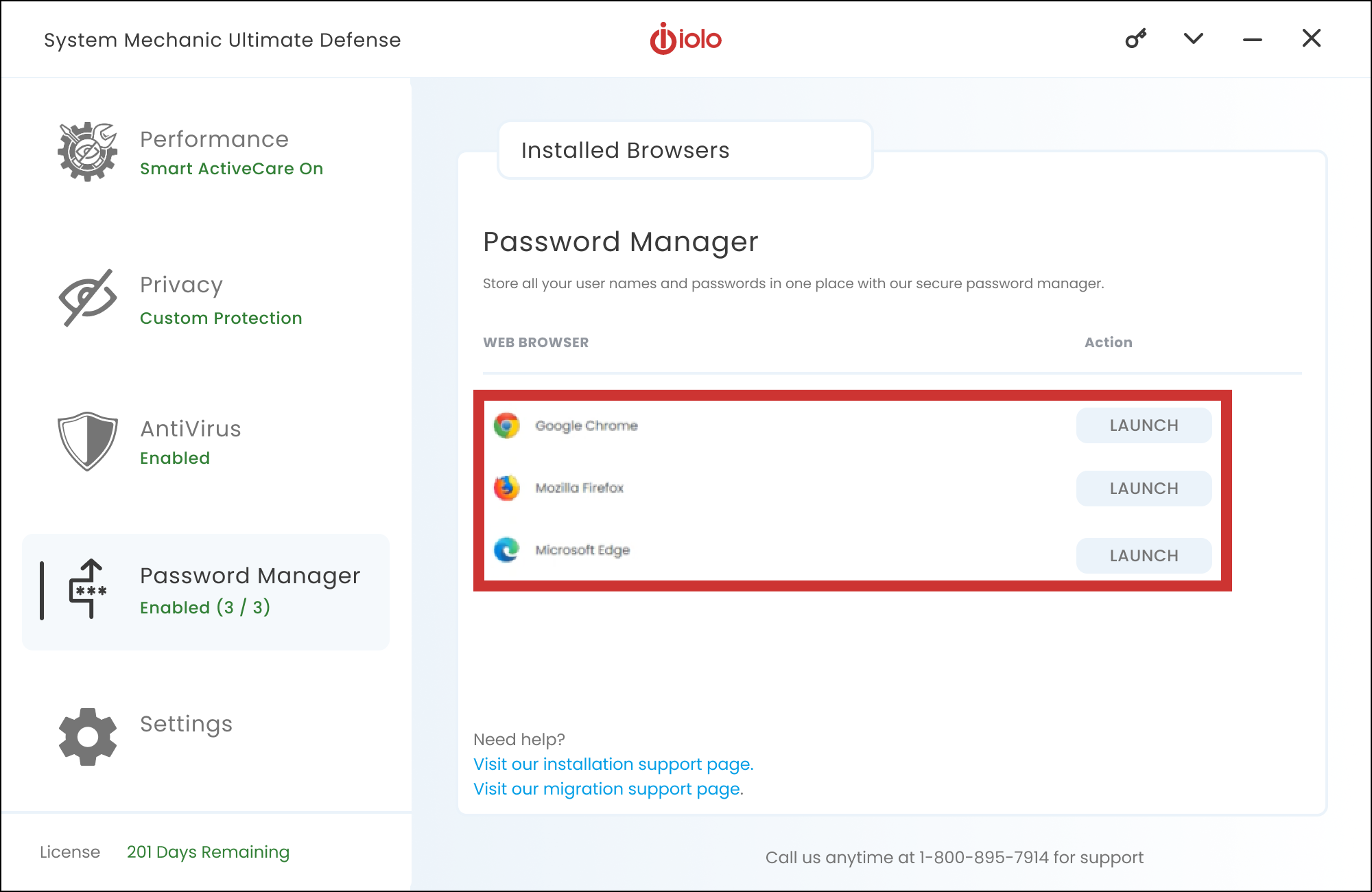
- Click Launch to open the desired ByePass+ Password Manager extension (Google Chrome, Microsoft Edge, or Mozilla Firefox).
- SMUD opens to vault view. If you have not set up an account or logged in, you will be prompted to.