

How to Turn On Autofill for ByePass Android
NEW VERSION AVAILABLE: Migrate to ByePass+ to ensure continued service.
Android (8 and newer)
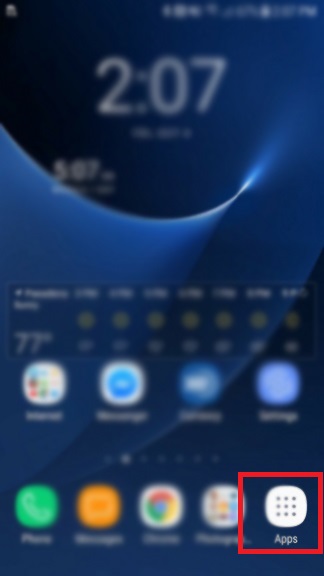
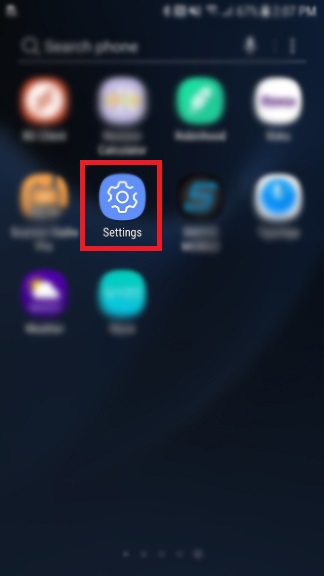
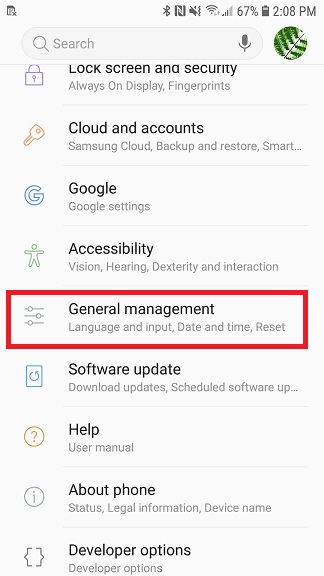
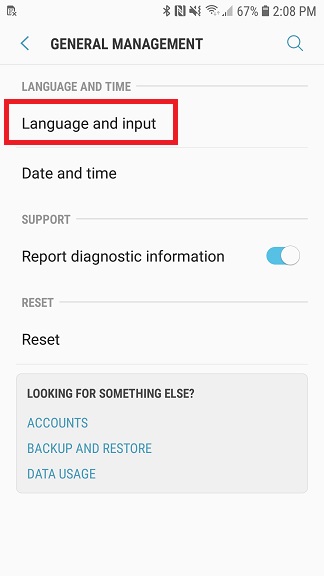
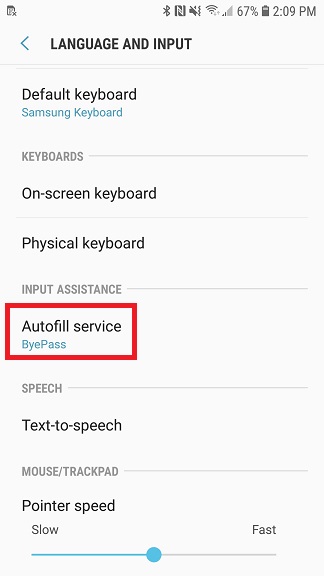
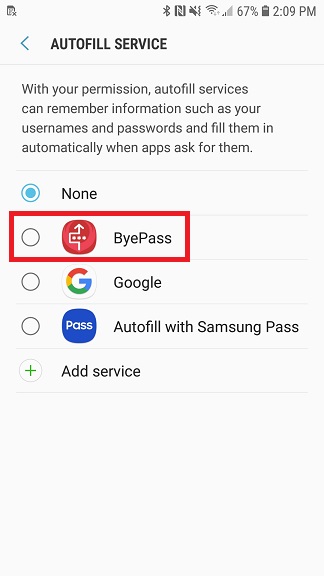
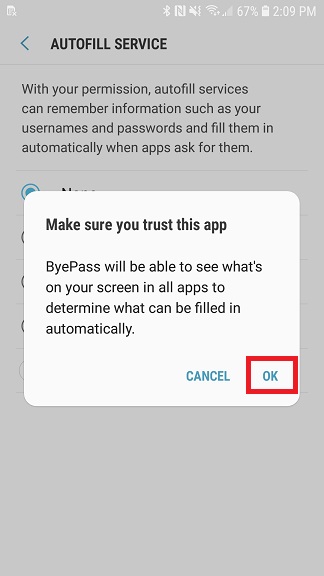
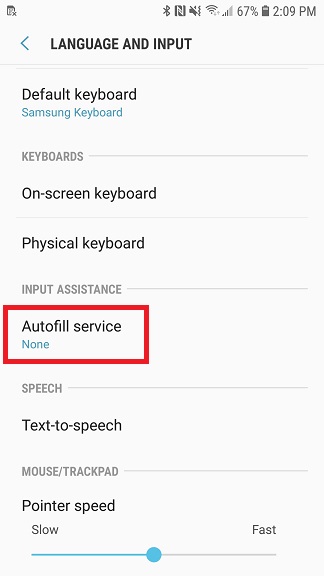
For Android 10 and newer, please open the Settings app on your Android device and navigate to System > Advanced > Languages & input > Advanced > and under the Tools list click on Autofill service > select ByePass. Close the Settings app.
NOTE: Autofill feature is supported from 8.0 and newer
 |  |  |
 |  |  |
 |  |