How to update your iolo product to the latest version
All iolo products will automatically check for available updates at start time. If an update is available, a popup window will appear at the lower right of the Windows Desktop for you to install. Otherwise, if an update is not available, select Close.
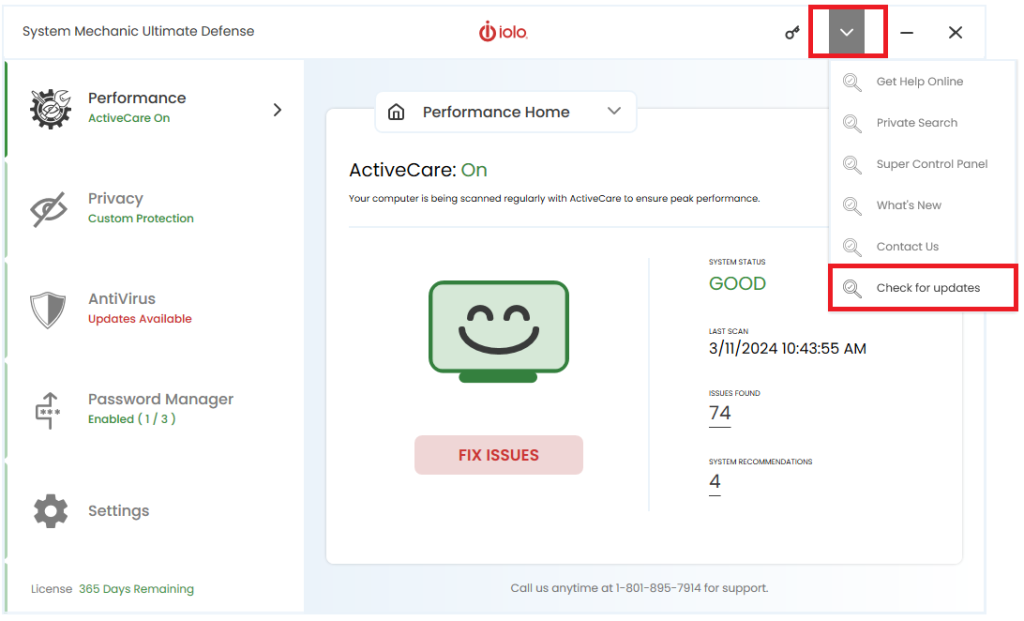
Product updates can be manually checked for by clicking on the menu item below and then selecting Check for updates. If an update is available, follow the popup update window as previously described.