How to remove a device from ioloVPN account
Users of ioloVPN can manage what devices ioloVPN is installed on through their ioloVPN Account. To access the account area, please follow the steps below.
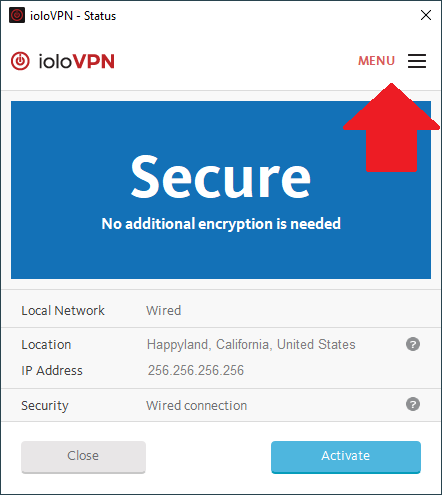
- Open ioloVPN and select the menu at the upper-right.
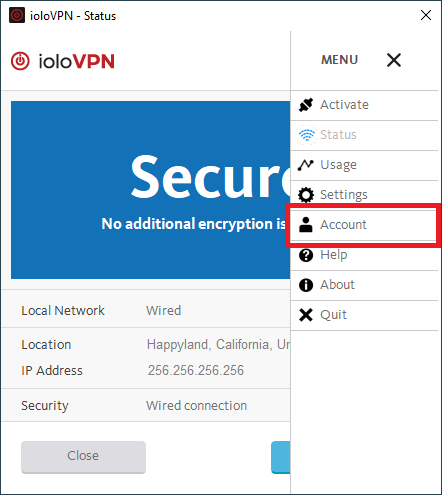
- Select Account.
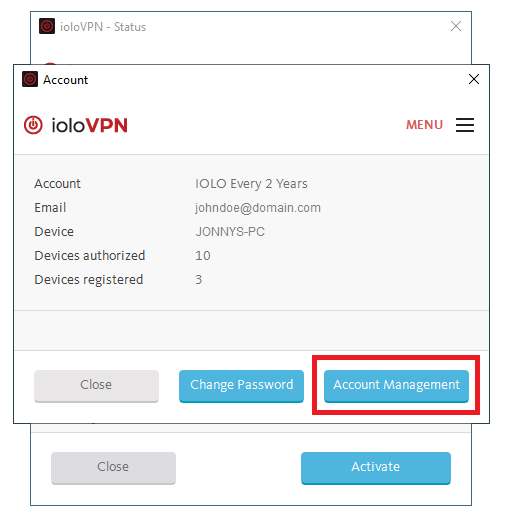
- Click Account Management.
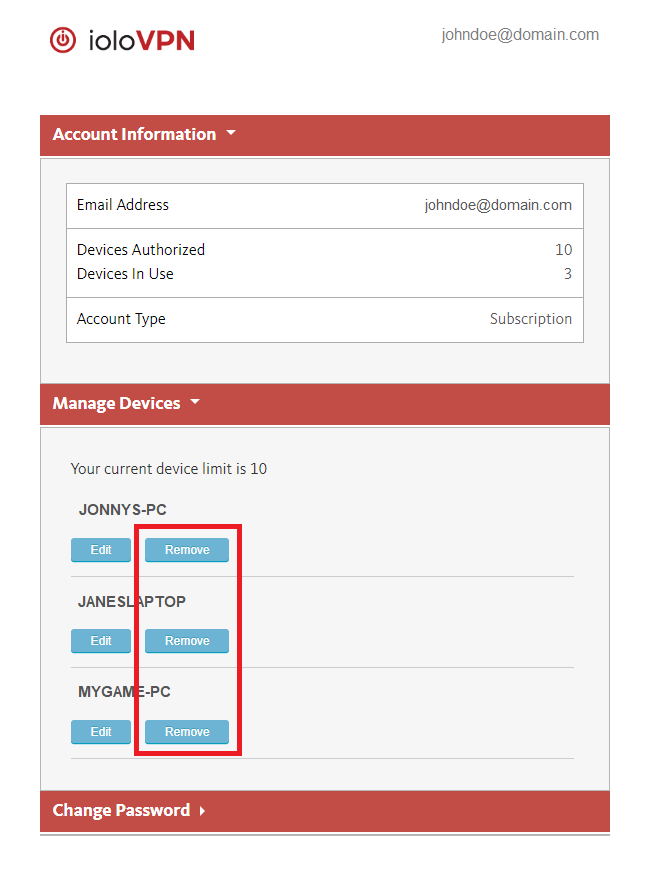
- Click the Remove button next to the device to remove from the account.