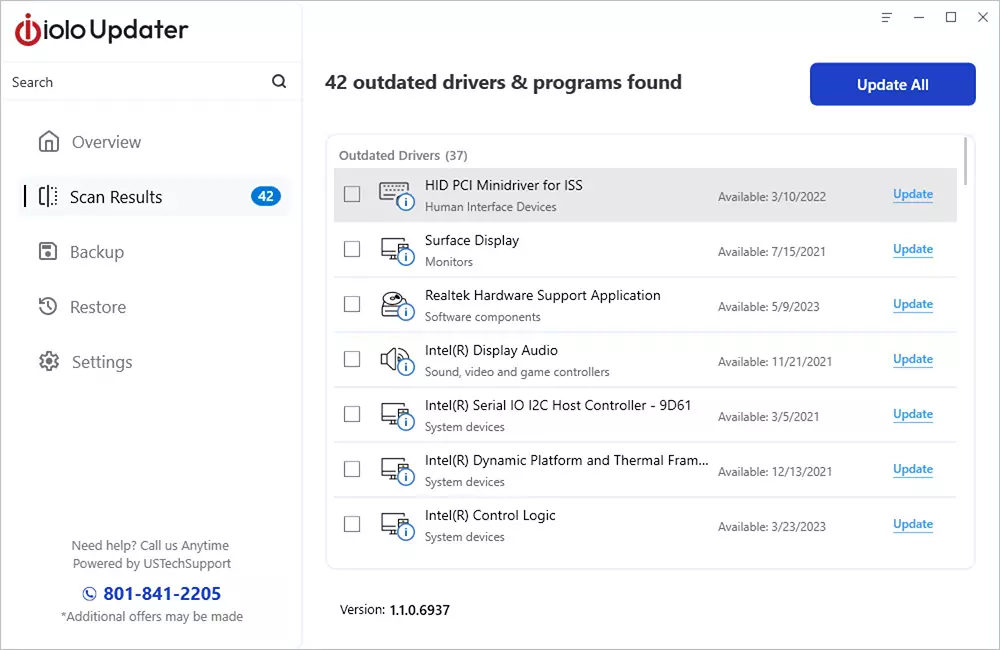
How to Install and Activate iolo Updater
Welcome and we thank you for your interest in iolo Updater!
- To install iolo Updater, please click here or in your browser, navigate to the iolo Updater download page at https://www.iolo.com/downloads/download-iolo-updater/.
- When the file has finished downloading, please navigate to your Downloads folder and double-click on the iolo_Updater.exe file

- Click Yes on the User Account Control dialog and iolo Updater will begin the setup and installation process.
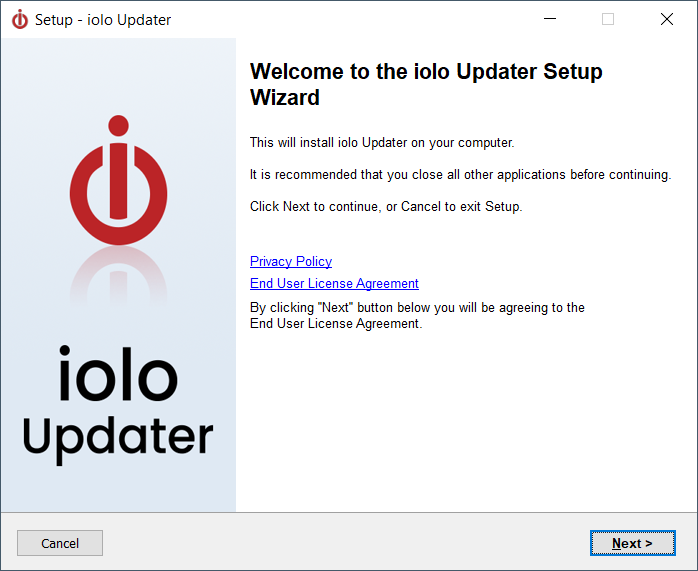
- Click Next.
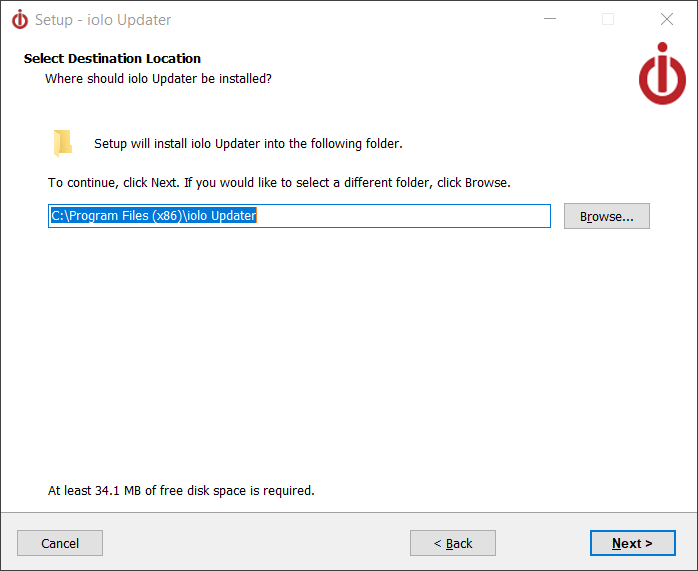
- Click Next.
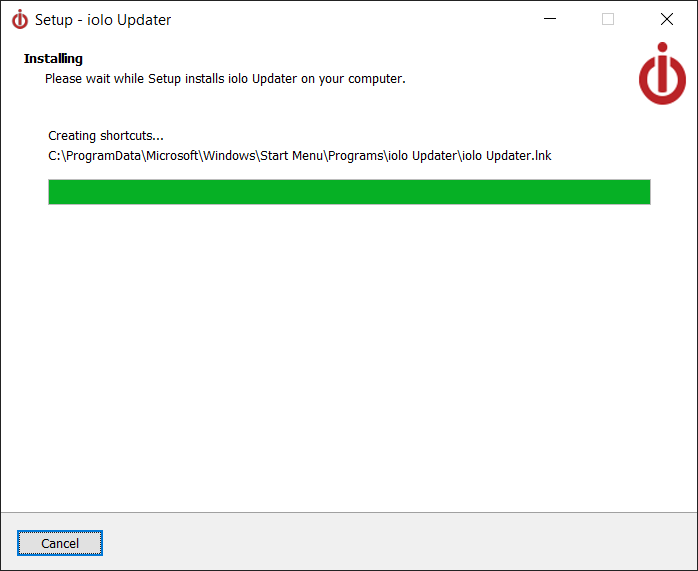
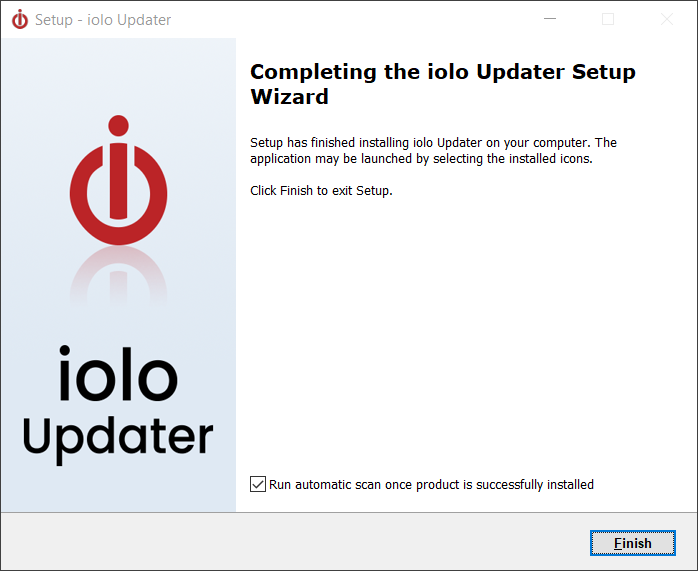
- Click Finish. When the installation has completed, iolo Updater activation window will appear.
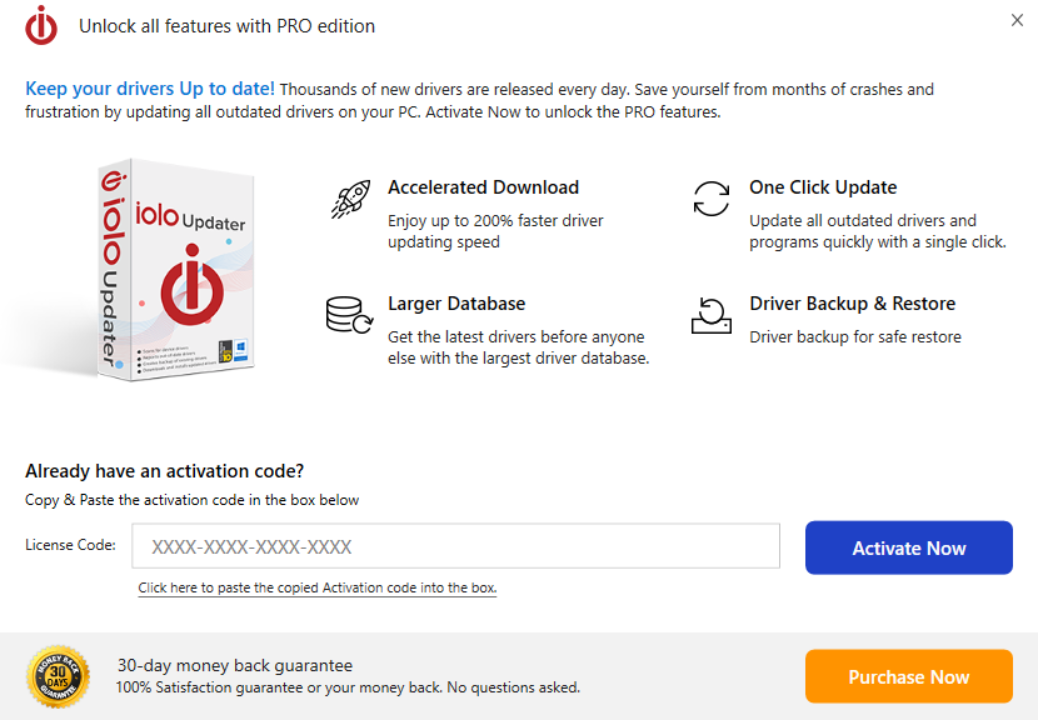
- Enter your activation key and click Activate Now. Congratulations! You have successfully installed your iolo Updater product.