How to view your product subscriptions in My Account
Access MyAccount
My Account allows customers to view and manage their product subscriptions.
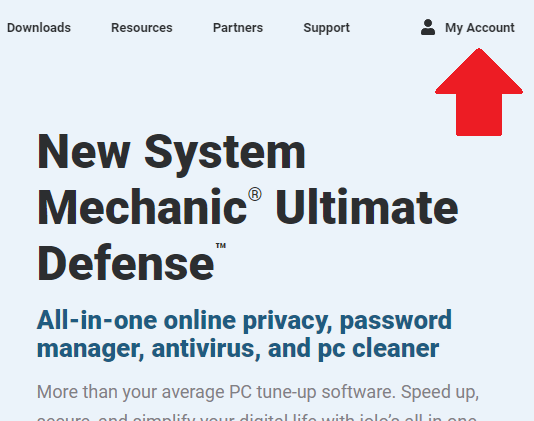
- From the iolo website click on My Account or navigate to https://myaccount.iolo.com.
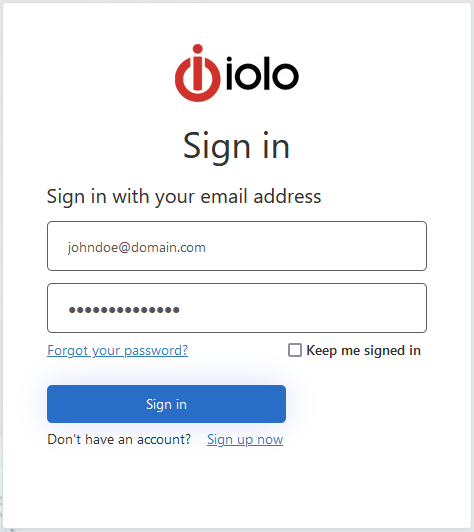
- If you do not have an account please click on the Sign up now link below the Sign in button to create one. Otherwise, please sign in with your email address and password.
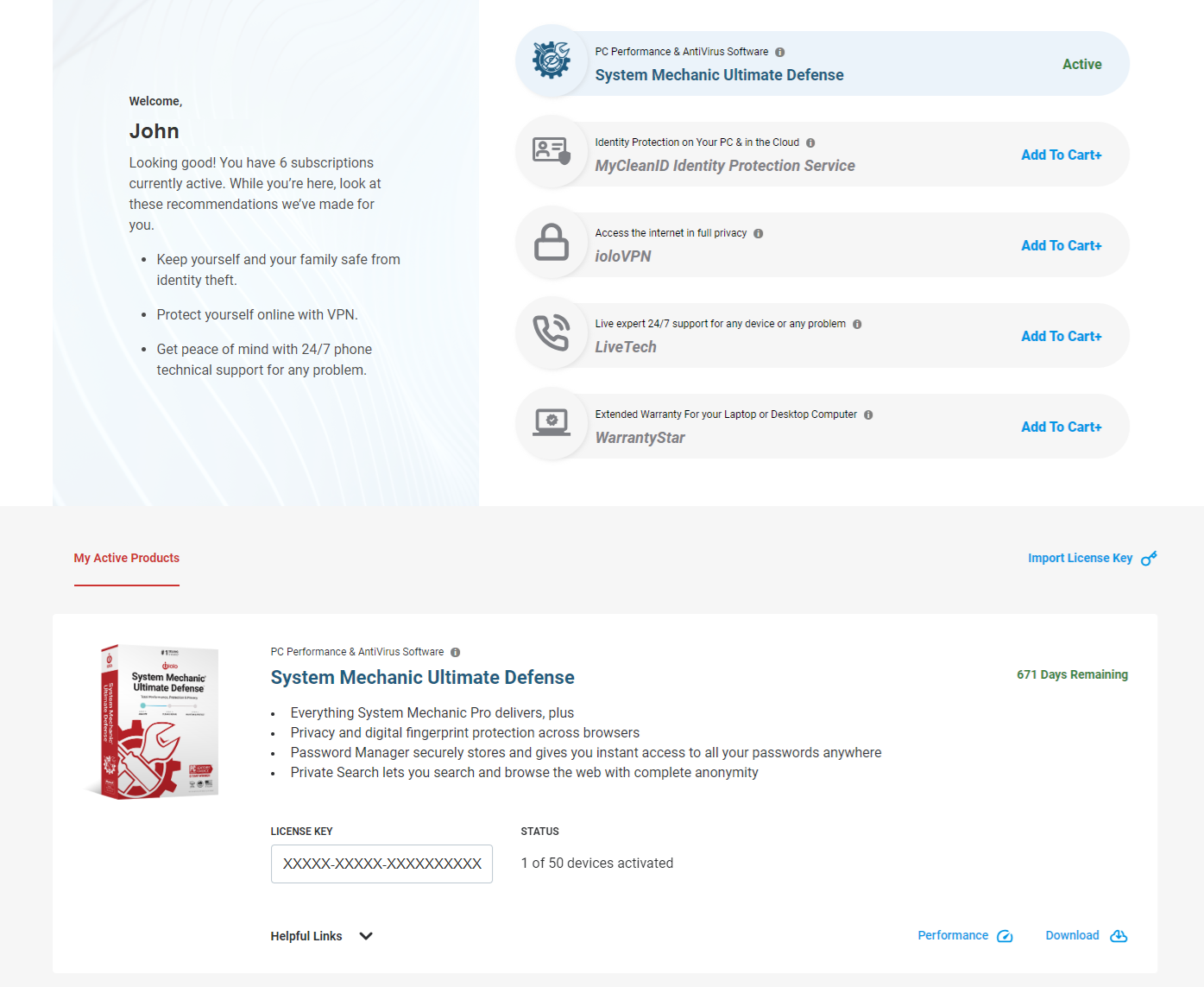
- Once logged in, you will see your product subscriptions and their keys. If you purchsed your product elsewhere, you can import the product key using the Import License Key link. You can also check your performance report history as well as download the product or take advantage of other product offers.