Uninstall ByePass from Chrome, Edge and Firefox
NEW VERSION AVAILABLE: Migrate to ByePass+ to ensure continued service.
Chrome
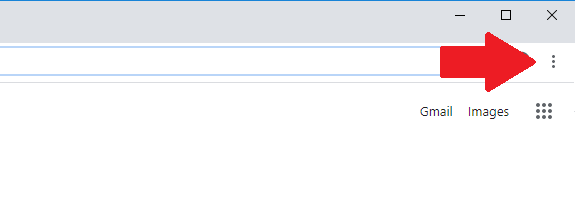
- Select the Chrome menu icon
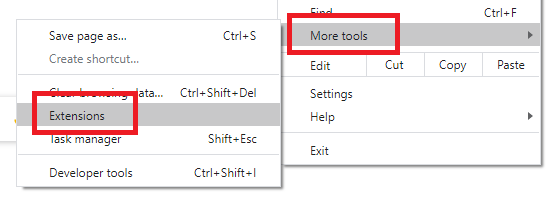
- Click on More Tools and then Extensions.
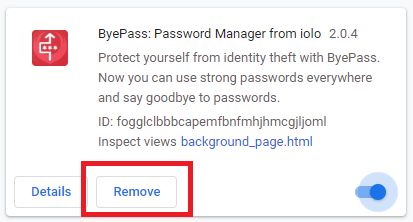
- On the ByePass extensions widget click Remove.
Edge Chromium
- Select the Edge menu icon
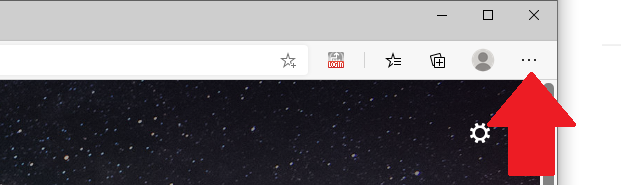
- Click on Extensions
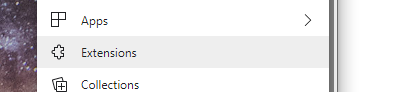
- On the ByePass extensions widget click Remove.

Firefox
- Click on the Firefox menu icon.
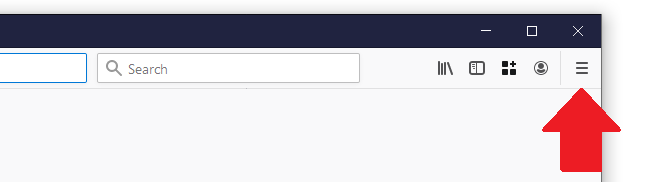
- Click on Add-ons.
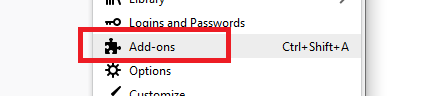
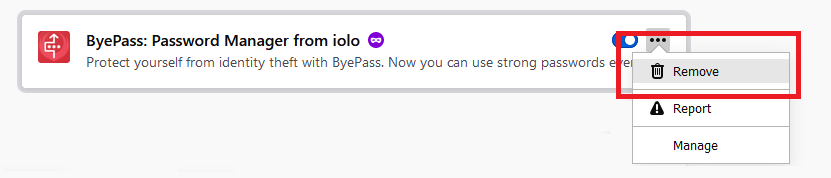
- On the ByePass Add-on widget click the menu and then Remove.