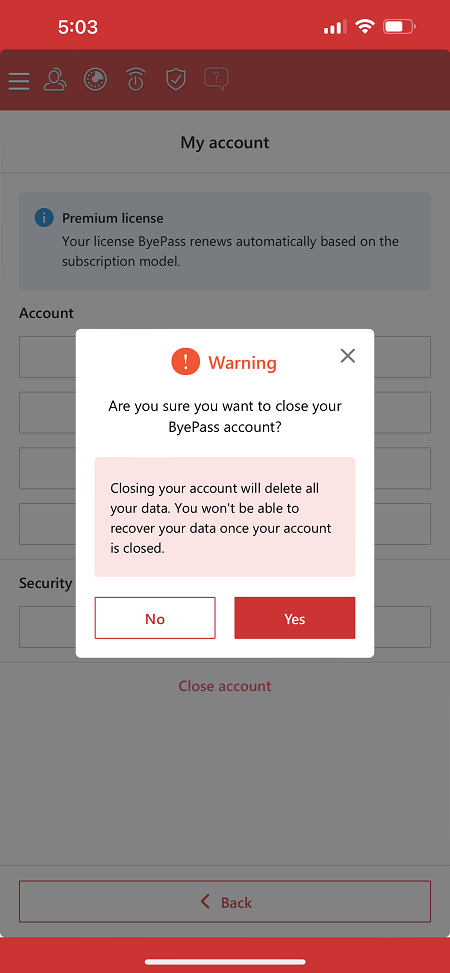
How to close your ByePass account from a mobile device
NEW VERSION AVAILABLE: Migrate to ByePass+ to ensure continued service.
The ByePass app is a secure password manager that is compatible with both iOS and Android mobile devices. Please follow the steps below to access ByePass to close your account.
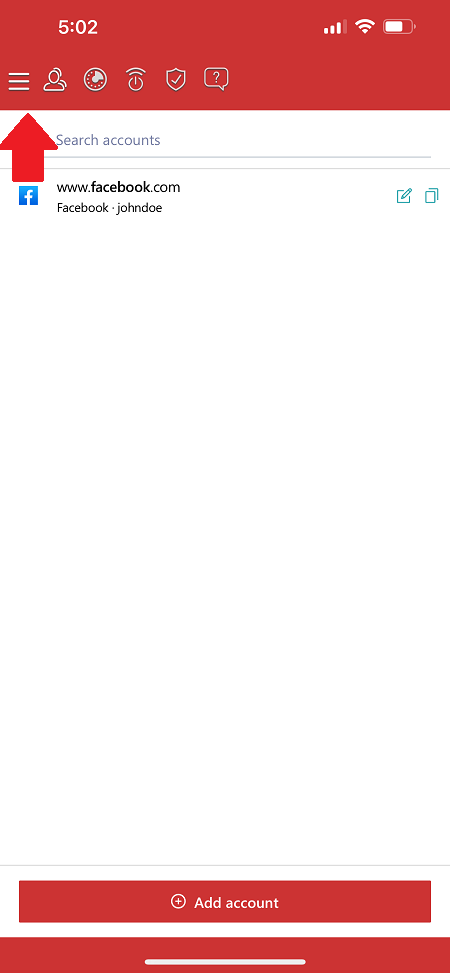
- Open ByePass and click on the menu at the upper-left.
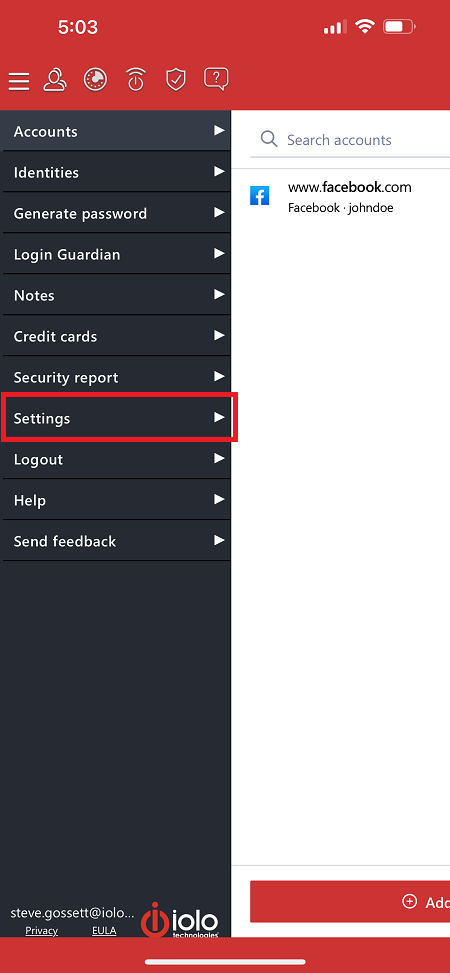
- Select Settings.
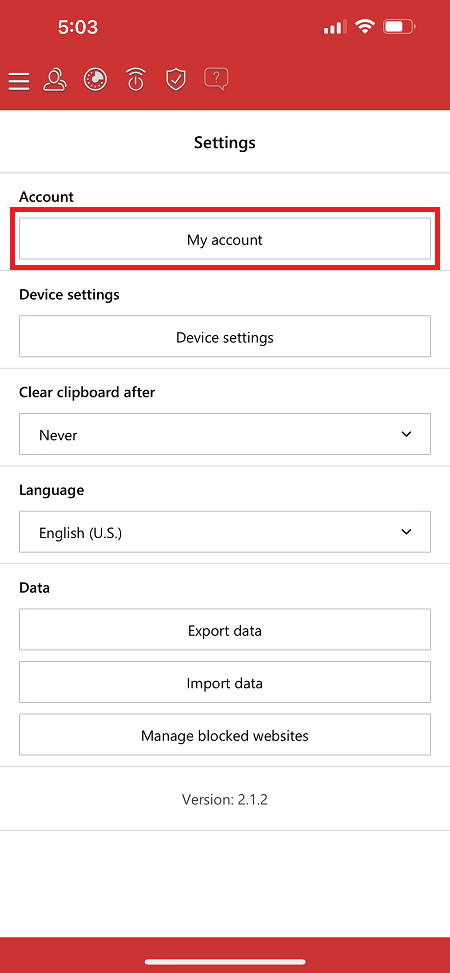
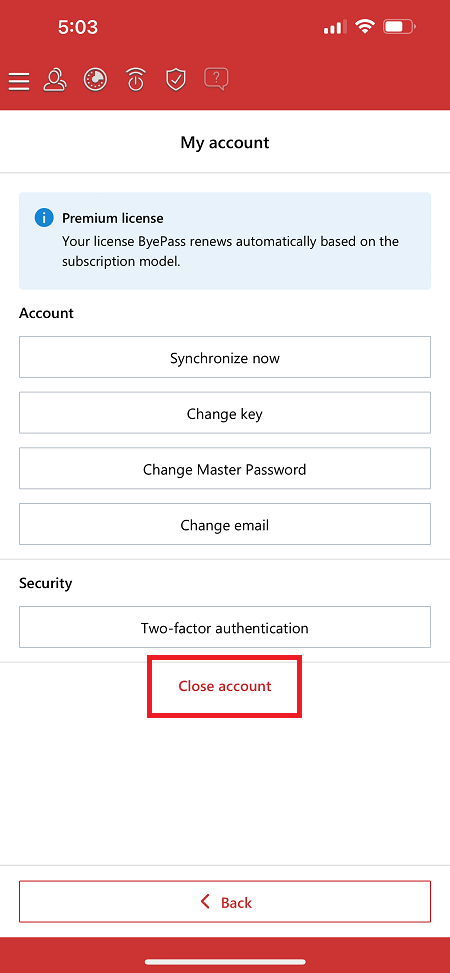
- Select My account.
- Scroll down and click on Close account.
- Enter your Master Password and click Yes to close the account.