

How to disable automatic checking for updates in System Mechanic
Disable Checking For Updates
- To disable automatic checking of System Mechanic updates, select the Settings menu icon at the top of System Mechanic.
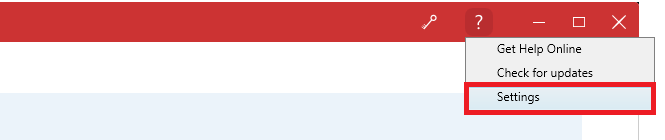
- Expand General Settings, expand Scheduled Task options and uncheck the box labeled Automatically check for iolo software updates.

- When finished click Exit.