Install System Mechanic Free
Please follow the instructions below to install System Mechanic Free.
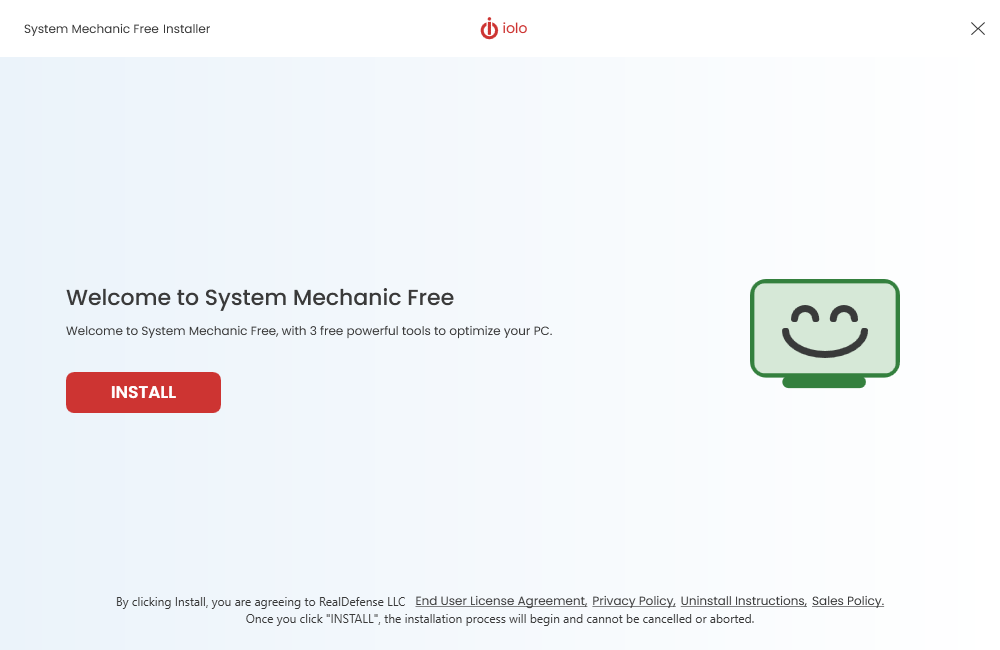
- Download System Mechanic Free and click on Install.
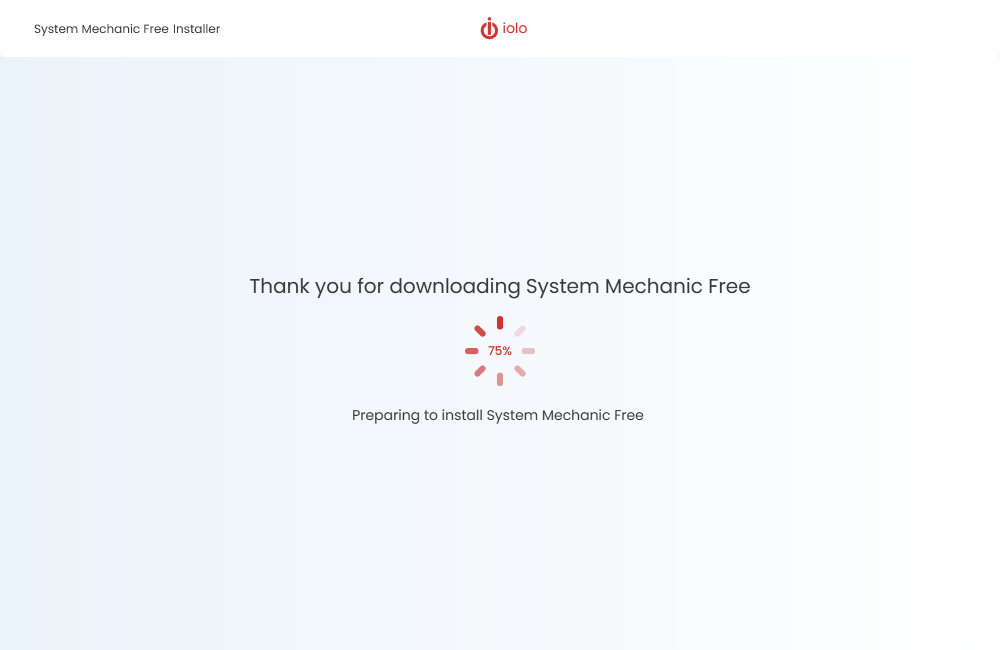
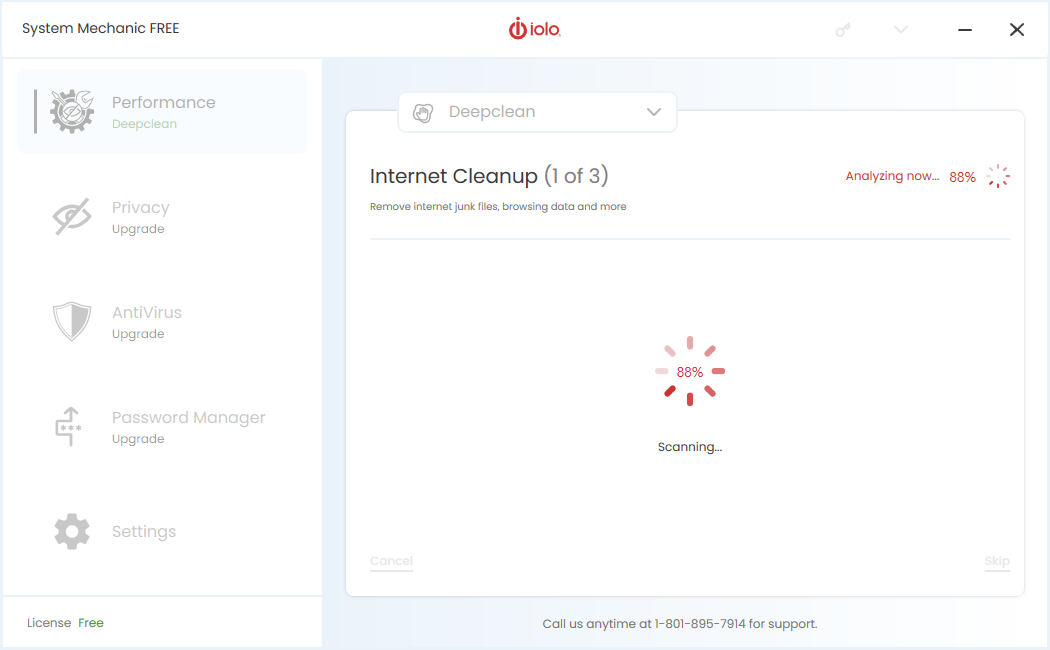
- Once the installation has finished, System Mechanic Free will automatically start an analysis, starting with Internet Cleanup.
- To clean the items found, click on the Clean Selected button.
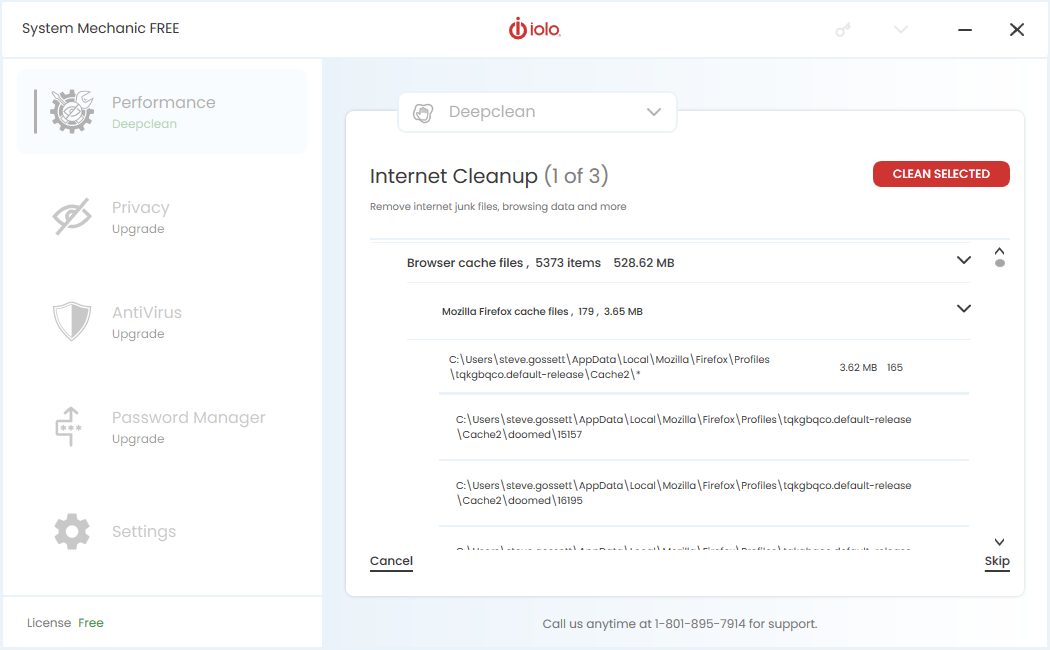
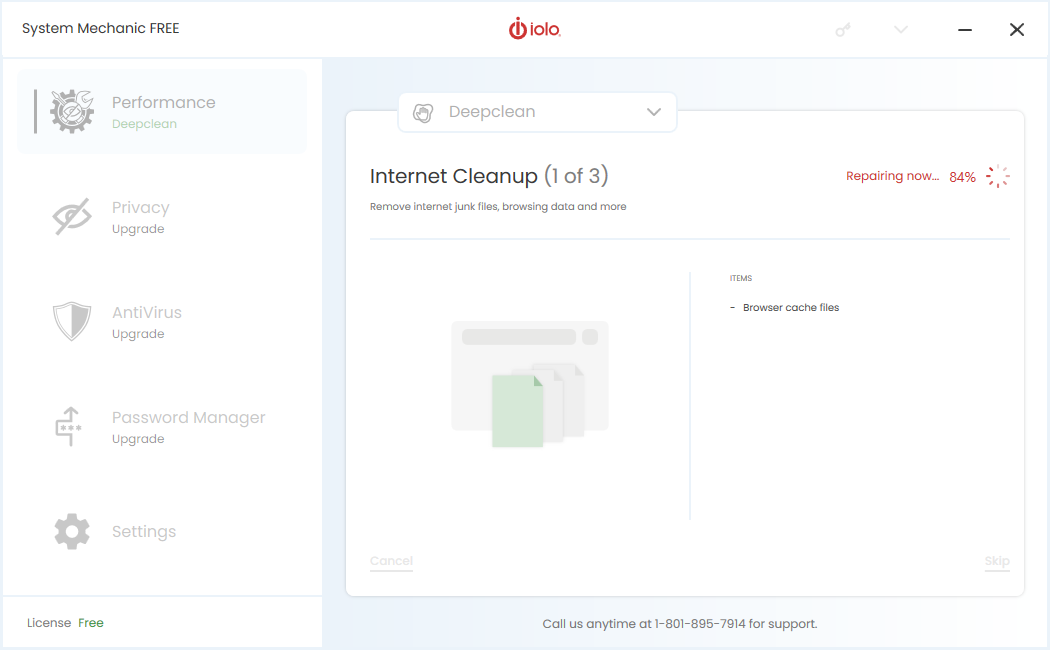
- When finished, the analysis will continue to Windows Cleanup.
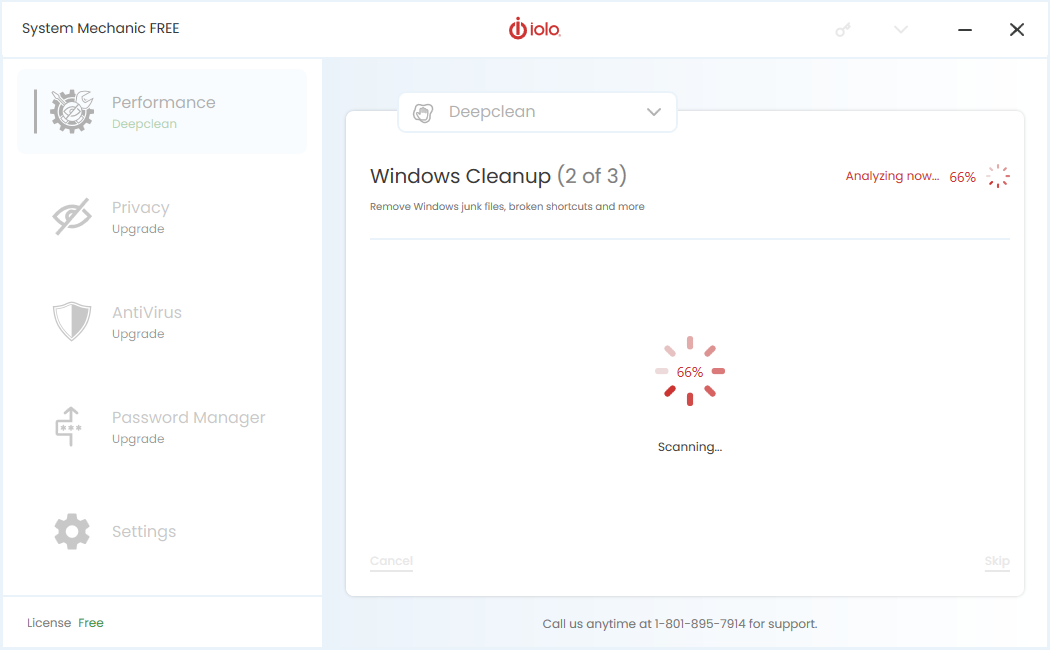
- Click on the Clean Selected button.
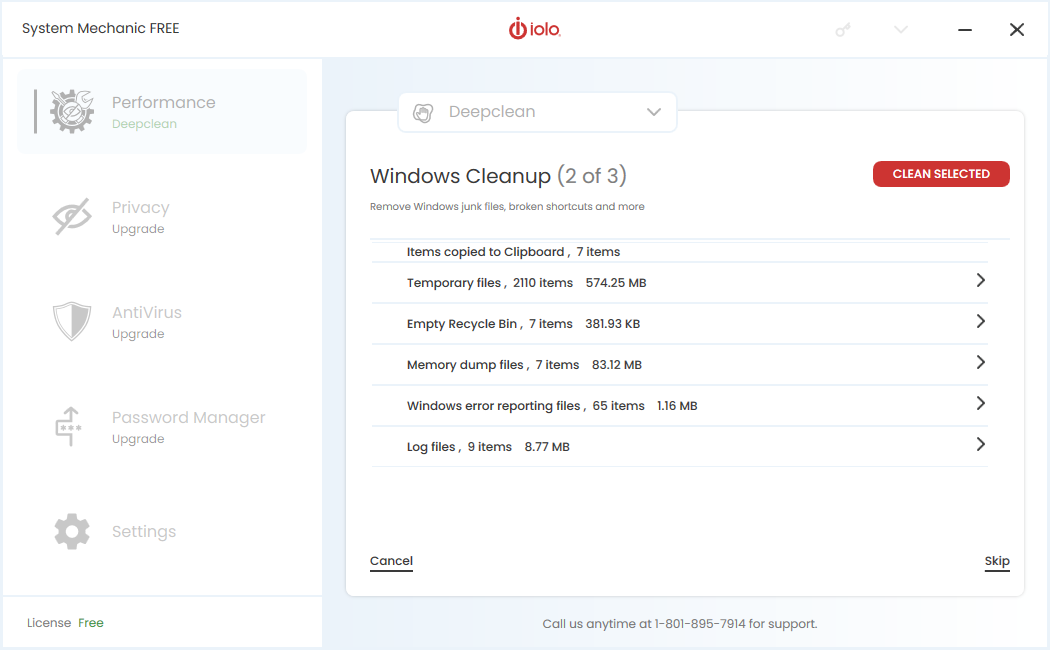
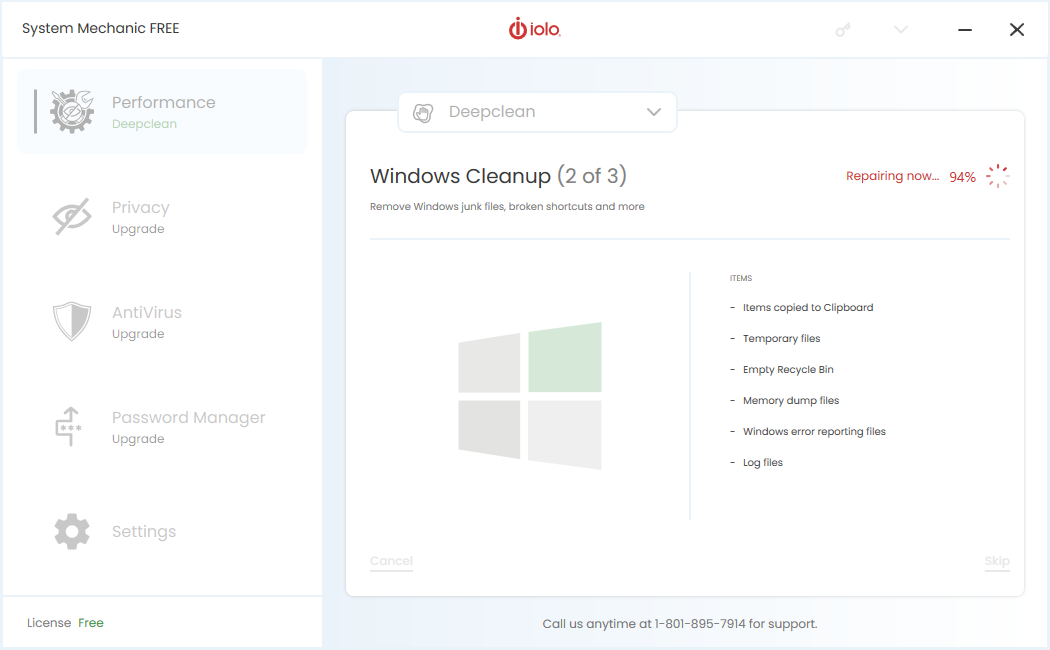
- When finished, the analysis will continue to Memory Mechanic. Click on the Run Memory Mechanic button.
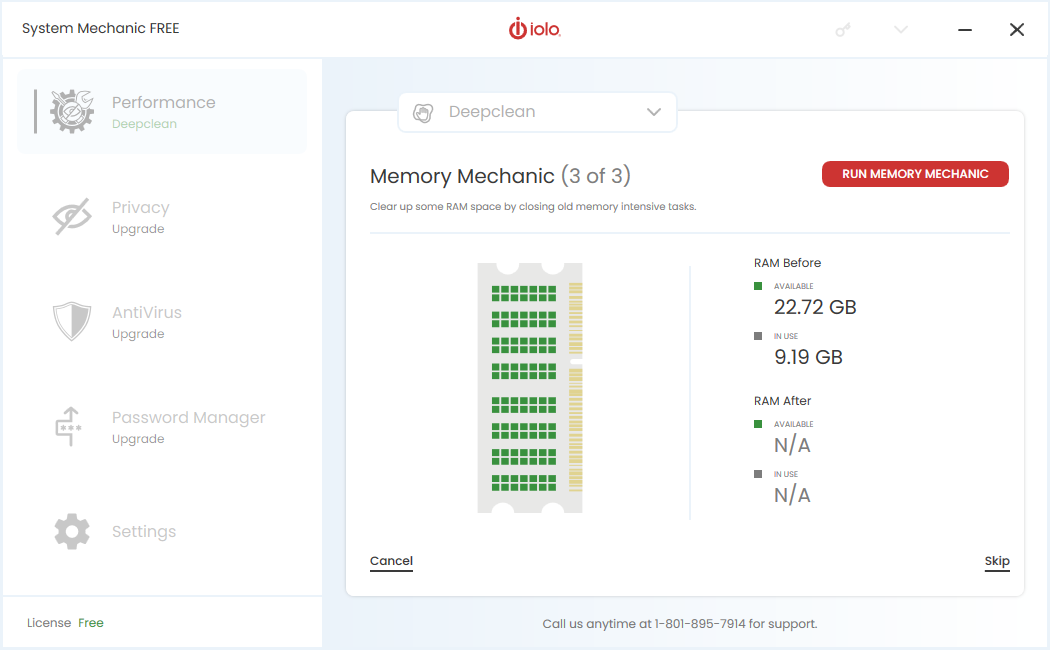
- Memory Mechanic will clean memory space and then display post cleaning available and in-use memory recovered.
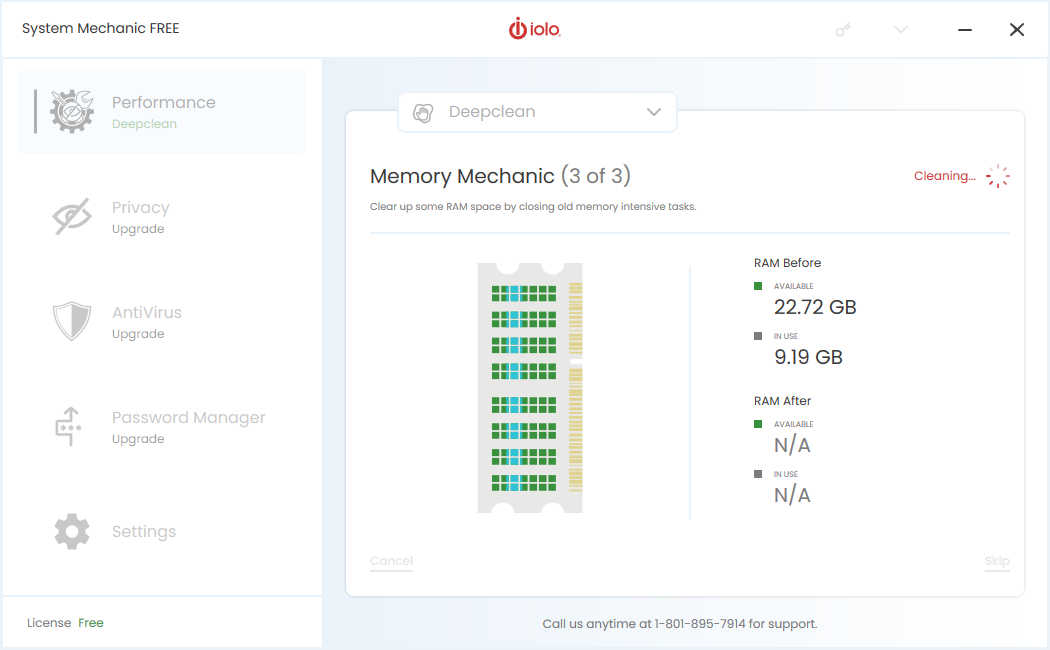
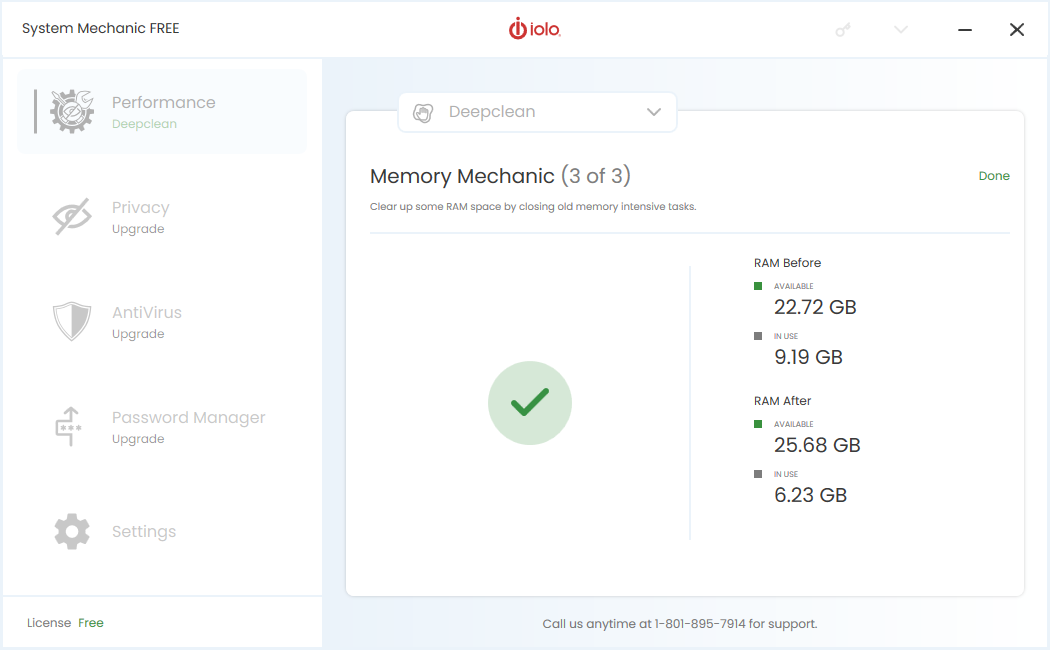
- The Deepclean panel will show with the results of tools that ran.
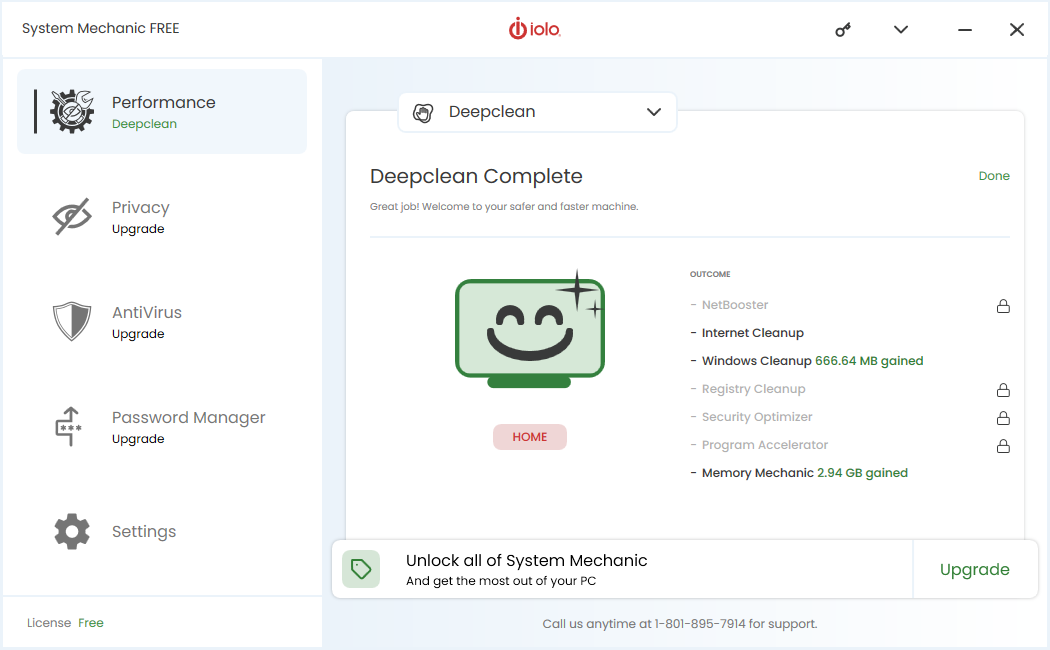
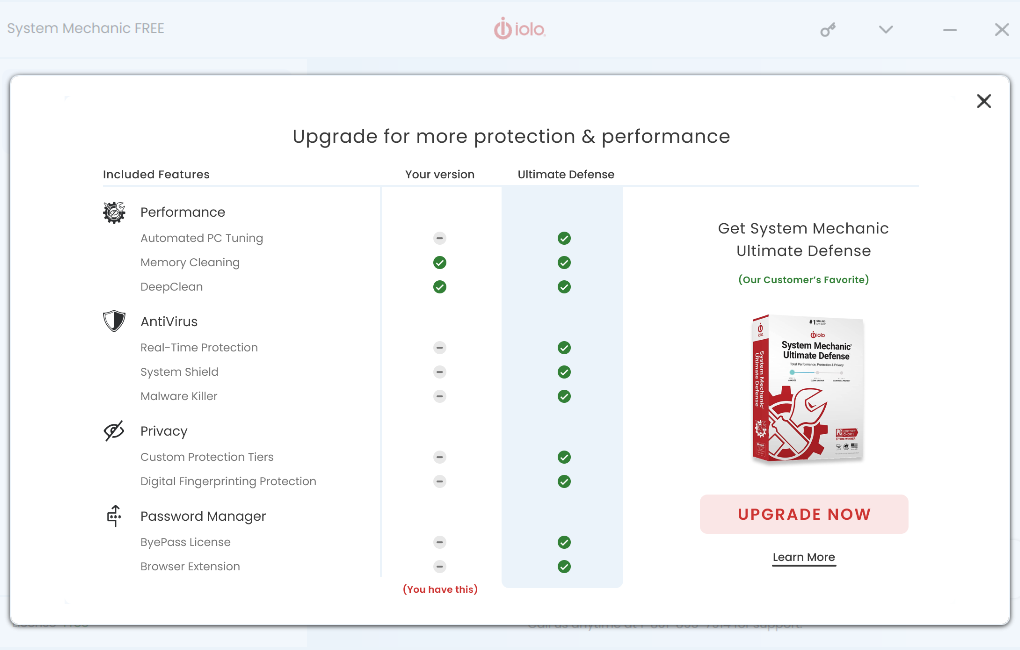
- To upgrade to our full coverage product, System Mechanic Ultimate Defense, please click on Upgrade and then Upgrade Now on the splash window that appears.