How to Backup ByePass Password Data
From within ByePass you can backup your password data to an Excel or password-protected file by following the steps below.
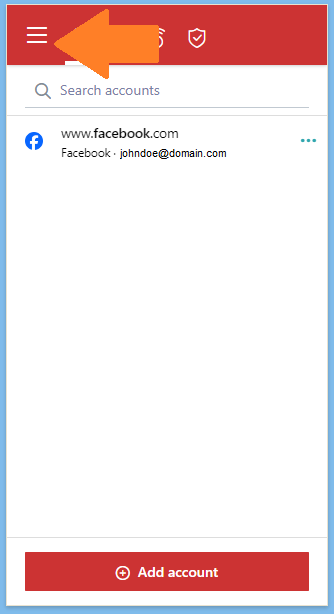
- Open ByePass and click the menu.
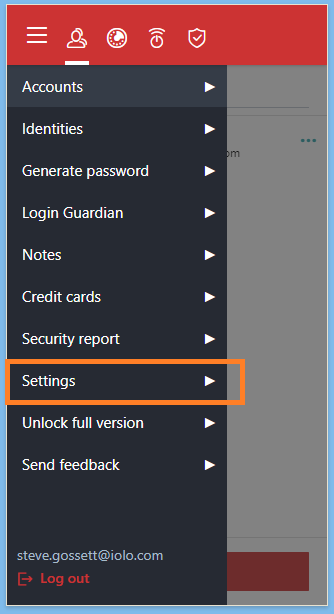
- Select Settings.
- Scroll down to the Data section and click Export Data.
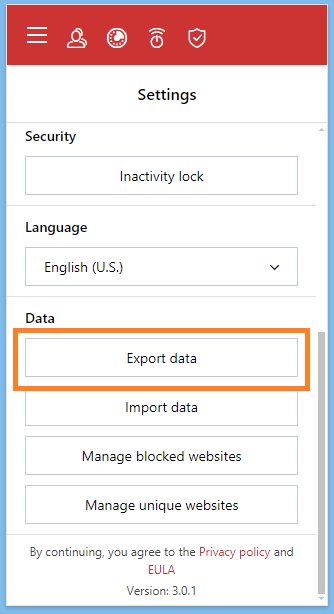
- Select your export preference and click Export data.
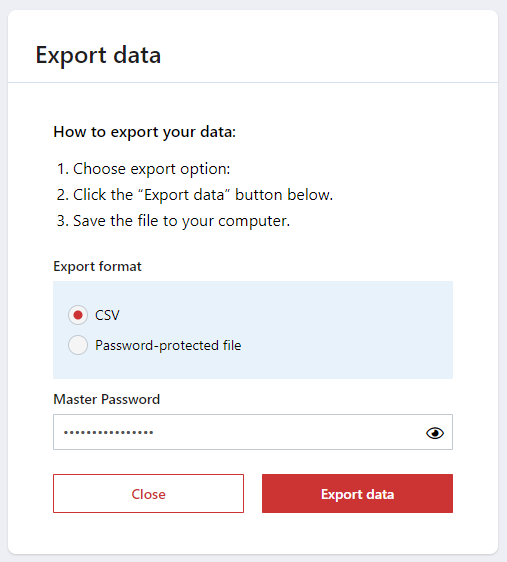
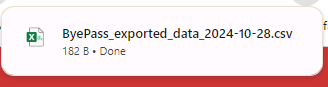
- Your file will be automatically saved to your Downloads folder, or equivelant folder, depending on the desktop or mobile operating system ByePass was installed on.