How to Install and Activate System Mechanic Ultimate Defense
Welcome and we thank you for your interest in System Mechanic Ultimate Defense!
- To install the most current version of System Mechanic Ultimate Defense, please click here or in your browser, navigate to https://smu.iolo.com.
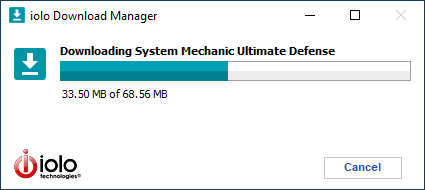
- When the file has finished downloading, please navigate to your Downloads folder and double-click on the SystemMechanicUltimateDefense_DM.exe file

- The download manager will begin the download and installation process.
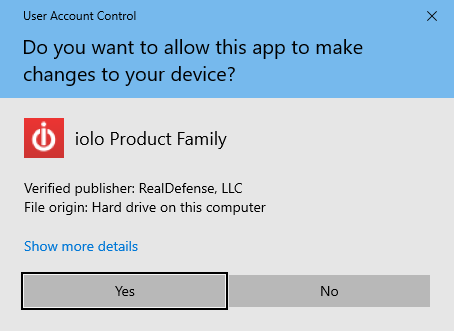
- Click Yes on the User Account Control dialog and the System Mechanic Ultimate Defense install window will appear.
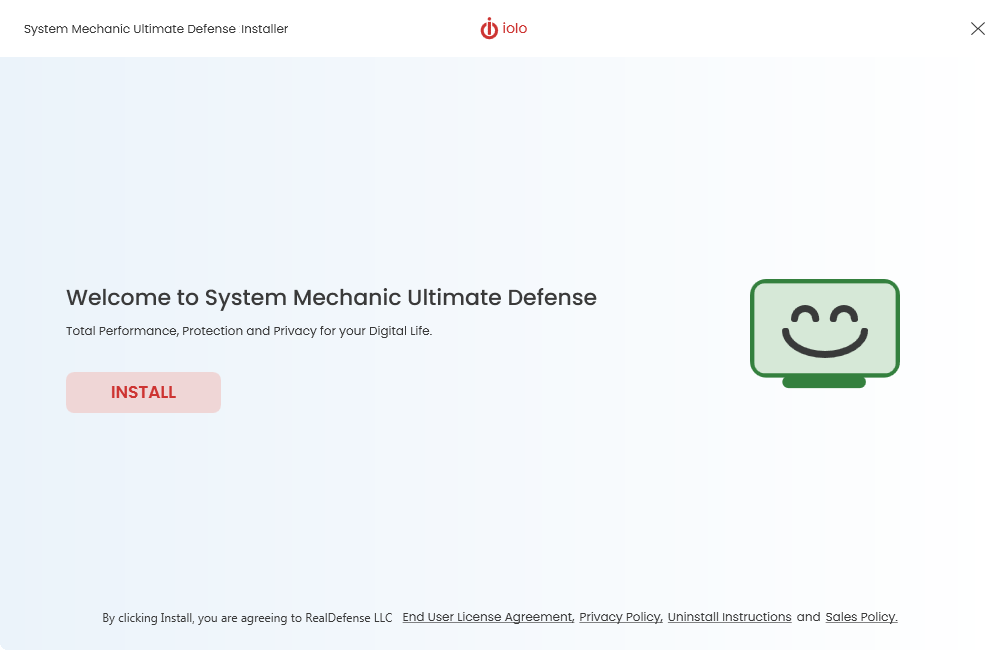
- Click Install.
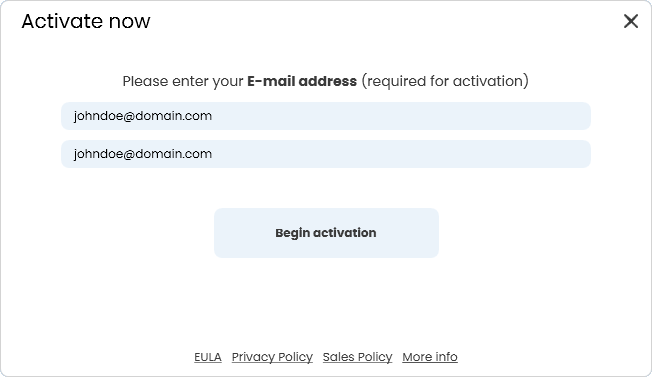
- When the installation has completed, System Mechanic Ultimate Defense will start. Enter your email address in both fields and click Begin activation.
- Please enter your product key in the 'I have an Activation Key' field. Otherwise, select Activate Trial.
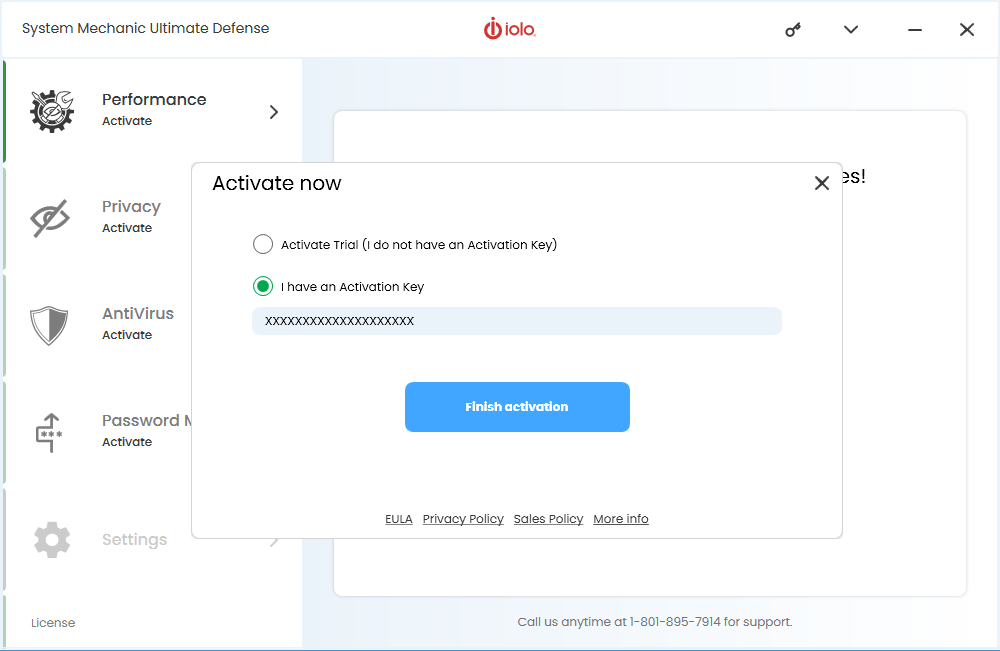
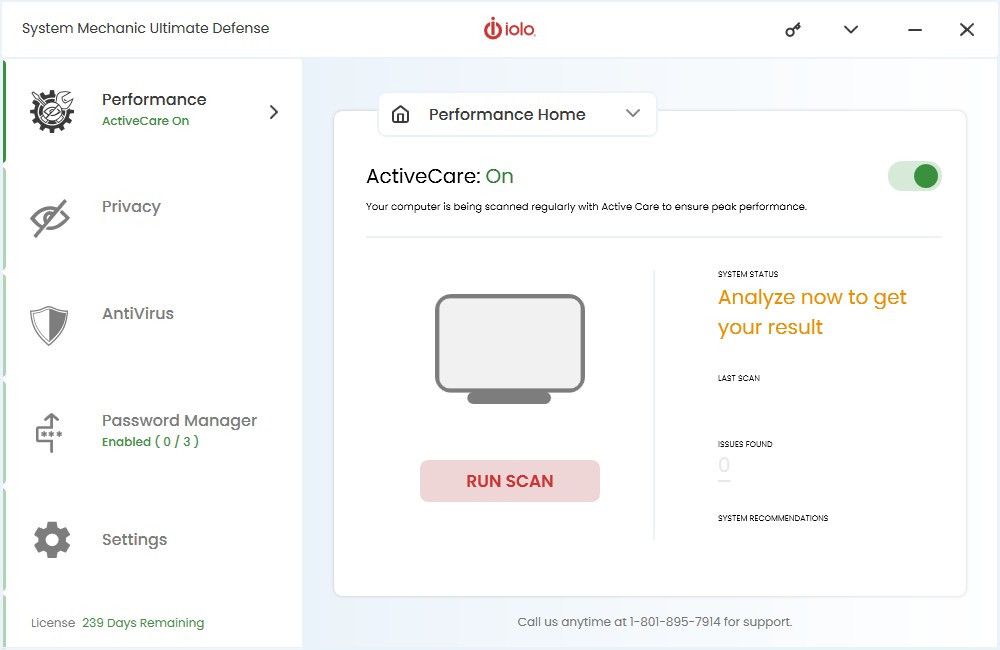
- Click Finish activation to complete the installation process. Congratulations! You have successfully installed your System Mechanic Ultimate Defense product and may run a scan.
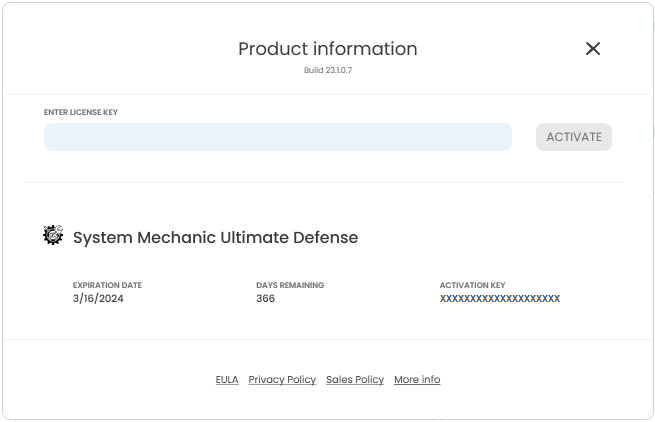
- To review your subscription expiration date, select the (key) icon at the top right of System Mechanic Ultimate Defense.
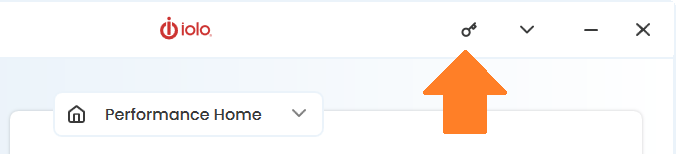
- Your product expiration date, activation key, and days remaining will appear under the product you have activated.