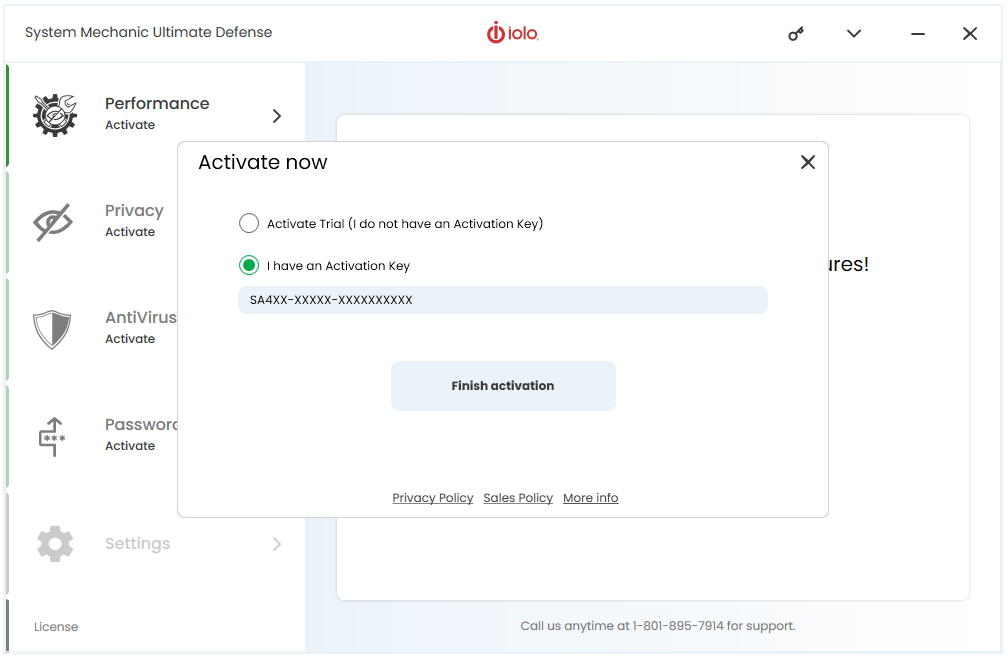
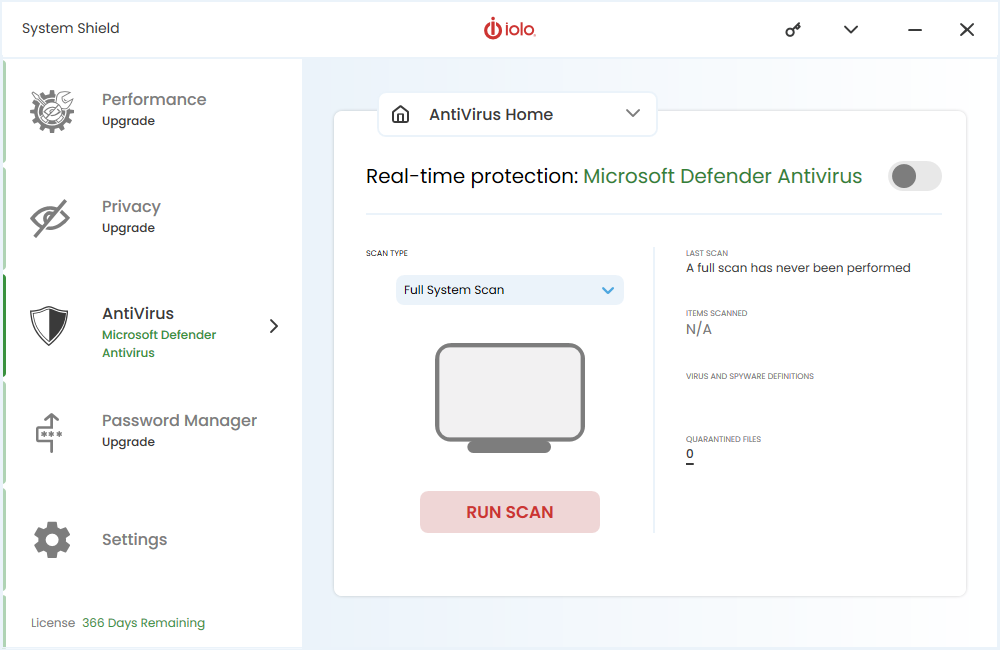
How to Install and Activate System Shield
The System Mechanic family of products, DriveScrubber, Malware Killer, Search and Recover, System Shield, Privacy Guardian and ByePass use the System Mechanic Ultimate Defense framework, using a single installation file which is the base product of System Mechanic Ultimate Defense.
If you have purchased System Mechanic Ultimate Defense, System Shield is already included.
If you have only purchased System Shield, the installation may start out as System Mechanic Ultimate Defense, but once the System Shield activation key is entered, the software will activate accordingly as System Shield.
To install your product:
- Download the product installation file from https://smu.iolo.com.
- Navigate to your Downloads folder and double-click on the executeable file named SystemMechanicUltimateDefense_DM.exe, and follow the installation prompts.
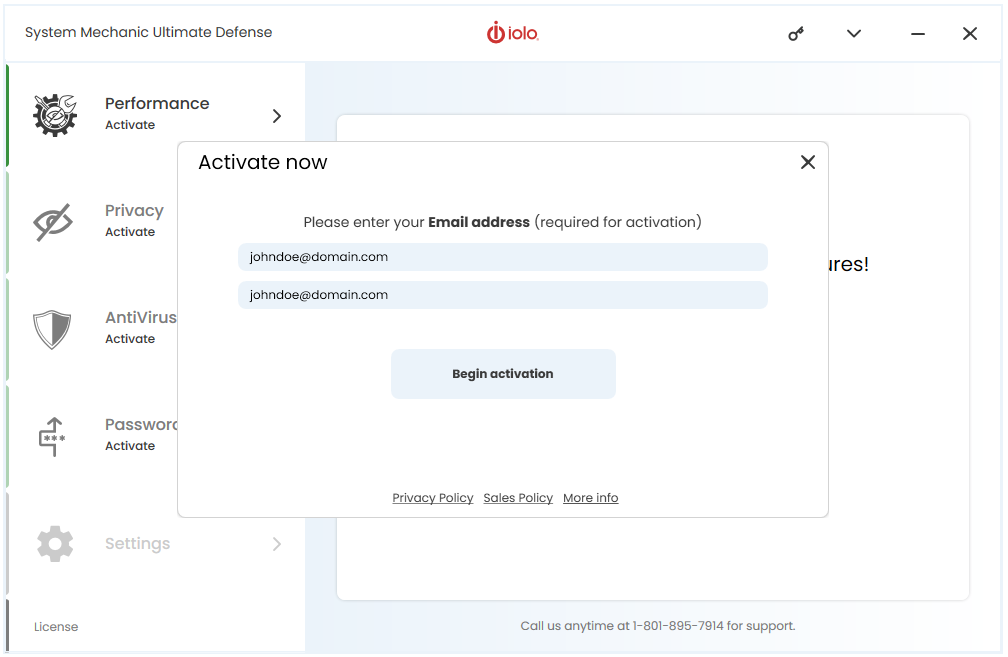
- When the product starts, enter your email address (if prompted) and select Begin activation.
- Enter your product key and select Finish activation. Your product is ready for use.